50 Slideshow Ideas Marketers Instagram 2026
Generate 50 unique image slideshow ideas tailored for digital marketers, agency owners, and solopreneurs. These faceless carousels focus on listicles, tips, how-tos, comparisons, and breakdowns to drive saves, shares, and organic traffic on Instagram. Each idea includes execution details for quick production using text overlays, stock images, and music.
Showing 52 of 52 content ideas
7 Common Instagram Carousel Mistakes Digital Marketers Make
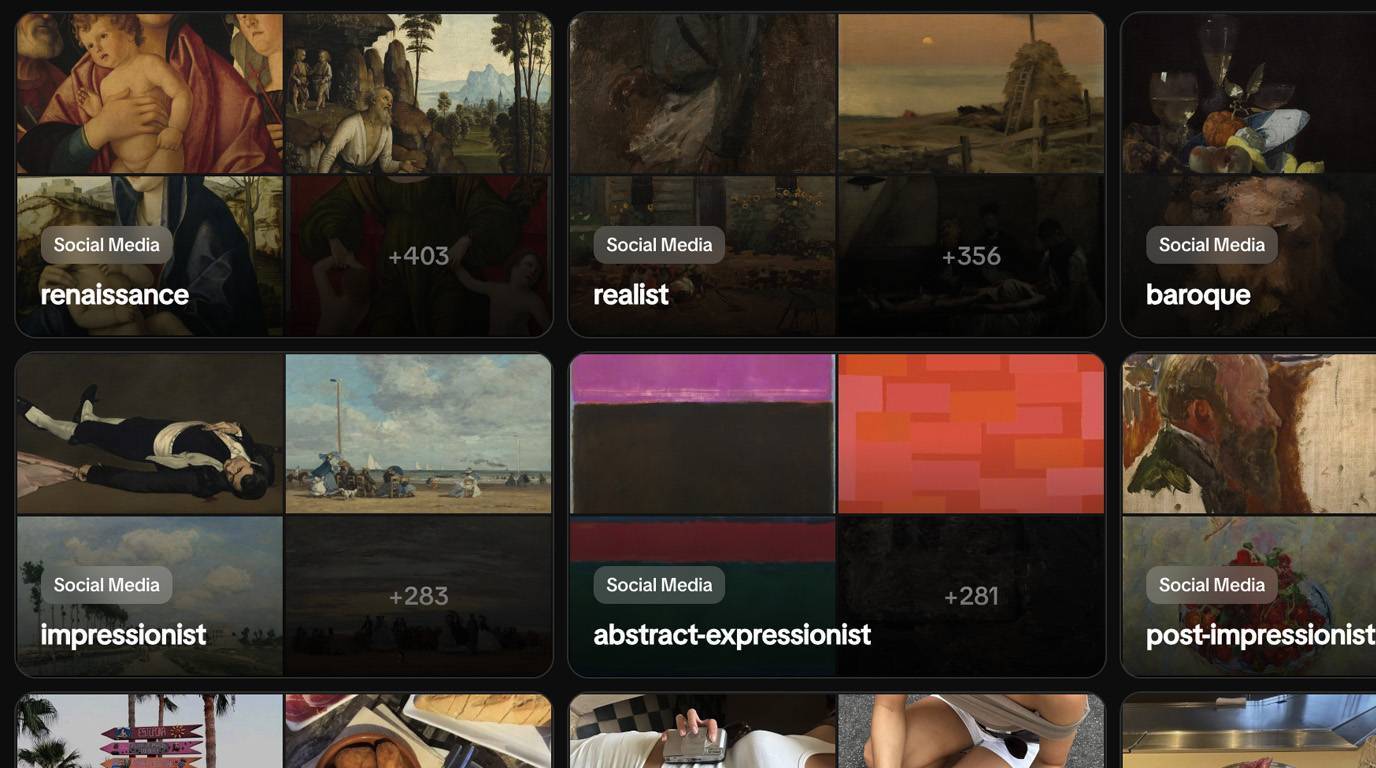
10-slide carousel: slide 1 poses a hook question about low engagement, slides 2-8 detail one mistake each with a bold text overlay and corrective tip, slide 9 shows a quick fix summary, slide 10 ends with a save-for-later CTA. Use stock images of frustrated marketers at desks, screenshot examples of bad vs good carousels, and simple icons. This format works on Instagram because it taps into pain points with relatable visuals that encourage saves for reference.
5 Steps to Build a Social Media Content Calendar for Agencies
7-slide step-by-step guide: slide 1 introduces the problem of inconsistent posting, slides 2-6 outline one step each like theme selection and batching with checklists, slide 7 includes a template screenshot and CTA to download. Feature calendar mockups, color-coded grids, and planning icons as images. Instagram users save these for practical use, boosting profile visits.
Before vs After: Client Campaign Results from Consistent Reels
6-slide before/after slideshow: slides 1-3 show before metrics like low reach with bar charts, slides 4-6 reveal after improvements from daily reels with growth graphs. Use data visualization charts, anonymized screenshots of analytics dashboards, and arrow graphics. Comparison formats drive shares as marketers relate to the transformation story.
8 TikTok Automation Tactics for Solopreneur Marketers
10-slide tips carousel: slide 1 hooks with time-saving promise, slides 2-9 cover one tactic each like scheduling queues with bullet points, slide 10 CTAs to implement one today. Incorporate workflow diagrams, phone screenshots of apps, and timer icons. Listicles like this get high saves for actionable agency-scale advice.
6 Greenscreen Meme Formats That Boost Marketing Engagement
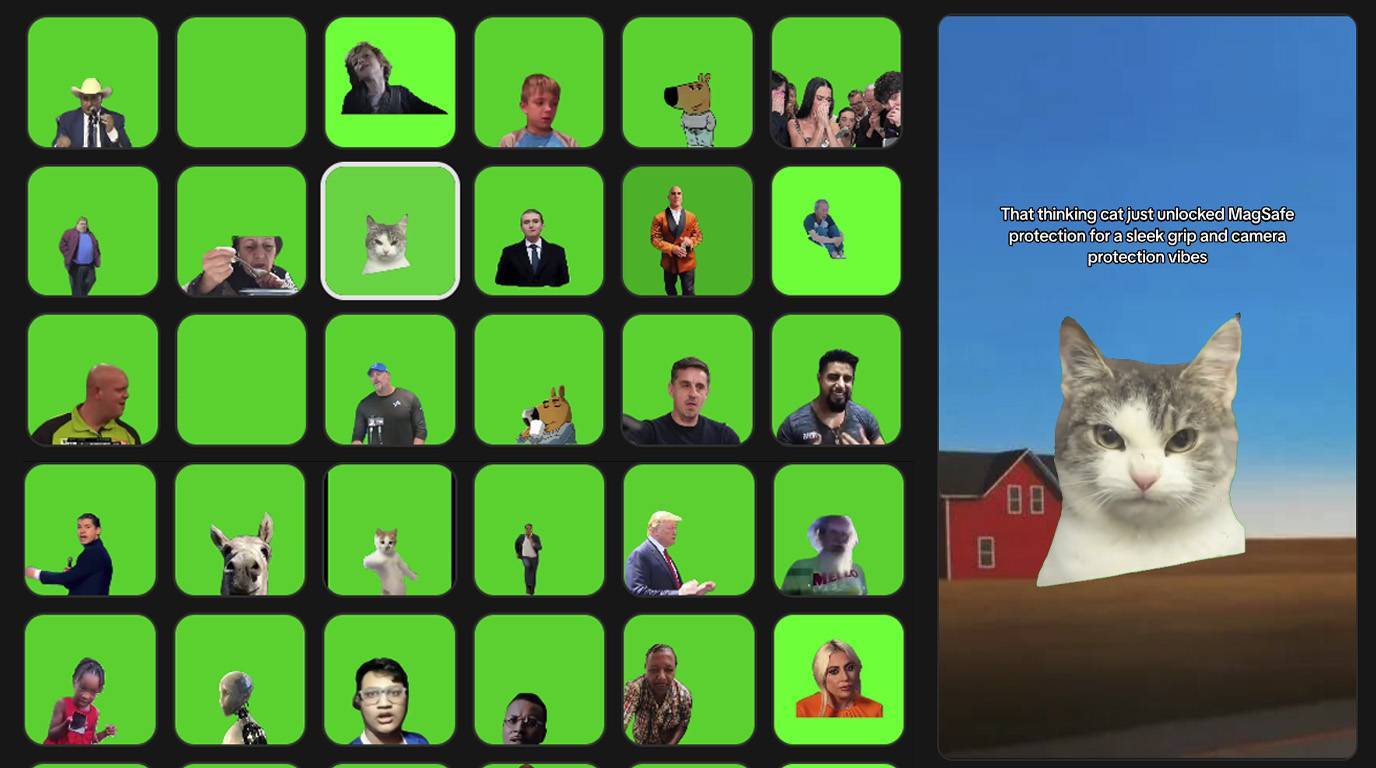
8-slide educational carousel: slide 1 explains greenscreen basics, slides 2-7 demo one format each with mockup examples, slide 8 suggests adaptation tips. Use screenshot mockups of memes, template overlays, and reaction icons. Trending formats spark curiosity and shares among content creators.
9 Digital Marketing Hooks Proven to Stop the Scroll
11-slide listicle slideshow: slide 1 asks if hooks fail you, slides 2-10 list one hook type with example text and performance stat, slide 11 CTAs to test in captions. Pair with eye-tracking heatmaps, text bubble graphics, and stat infographics. Hook-focused content performs well as users save for their own posts.
4 Ways to Repurpose Top Instagram Posts into YouTube Shorts
6-slide tips carousel: slide 1 highlights repurposing benefits, slides 2-5 detail one method like trimming clips with visuals, slide 6 includes a workflow chart. Feature side-by-side post examples, editing timeline screenshots, and platform icons. Cross-platform tips encourage saves for multi-channel strategies.
10 Signs Your Agency Needs Faceless Content Strategies
12-slide listicle slideshow: slide 1 hooks with scaling pains, slides 2-11 describe one sign with relatable scenario images, slide 12 CTAs to audit your process. Use checklist icons, stressed desk stock photos, and metric decline graphs. Problem-identification lists build relatability and shares.
5 UGC Video Structures Without Hiring Actors
7-slide tutorial carousel: slide 1 addresses actor costs, slides 2-6 break down one structure like testimonial flow with diagrams, slide 7 shares a CTA for templates. Include script mockups, timeline visuals, and stock demo frames. Solves pain points, leading to high save rates for budget-conscious agencies.
7 Caption Formulas for Digital Marketing Instagram Reels
9-slide educational carousel: slide 1 questions caption performance, slides 2-8 give one formula with before/after examples, slide 9 CTAs to copy-paste. Use text overlay mockups, engagement stat charts, and formula icons. Formula-based content gets saved as swipe files.
Comparison: Manual vs Automated Social Posting for Agencies
8-slide comparison slideshow: slides 1-2 intro pros/cons, slides 3-7 contrast one aspect like time saved with bar graphs, slide 8 concludes with hybrid tip. Feature dual-column tables, clock icons, and growth curves. Comparisons clarify decisions, driving engagement.
6 Meme Marketing Campaigns That Drove Client Leads
8-slide storytelling carousel: slide 1 sets context, slides 2-7 recap one campaign with key visuals and results, slide 8 extracts lessons. Use anonymized screenshots, meme templates, and lead funnel diagrams. Case breakdowns inspire shares among marketers.
8 Algorithm Updates Impacting Digital Marketers in 2026
10-slide data visualization slides: slide 1 hooks with change warnings, slides 2-9 cover one update with timeline charts, slide 10 adaptation checklist. Incorporate update timelines, reach drop graphs, and platform icons. Timely educational content boosts saves during algorithm shifts.
5 Low-Effort Instagram Reel Ideas for Busy Agencies
7-slide listicle slideshow: slide 1 empathizes with time constraints, slides 2-6 list one idea with execution sketch, slide 7 CTA to batch produce. Use quick mockup frames, calendar integrations, and efficiency icons. Quick-win lists appeal to solopreneurs for immediate action.
9 Steps to Create a Faceless TikTok Account from Scratch
11-slide step-by-step guide: slide 1 outlines benefits, slides 2-10 detail one step like niche selection with checklists, slide 11 growth projection. Feature account setup screenshots, niche mindmaps, and progress bars. Tutorials drive saves as complete blueprints.
7 Before/After Analytics from Faceless Content Tests
9-slide before/after slideshow: slide 1 intros testing value, slides 2-4 before metrics, slides 5-8 after gains with charts, slide 9 key takeaway. Use line graphs, dashboard excerpts, and metric icons. Visual transformations motivate shares.
6 Tools Comparison for Social Media Trend Spotting
8-slide comparison slideshow: slide 1 poses trend challenge, slides 2-7 compare one tool feature with pros/cons tables, slide 8 recommendation matrix. Include feature grids, speedometer icons, and accuracy charts. Tool comparisons get saved for procurement decisions.
10 Evergreen Content Ideas for Digital Marketing Niches
12-slide tips carousel: slide 1 defines evergreen, slides 2-11 share one idea with thumbnail mockups, slide 12 repurposing tip. Use post preview images, calendar placements, and longevity graphs. Evergreen focus ensures long-term saves.
5 Chat Mockup Formats for Client FAQ Responses
7-slide educational carousel: slide 1 explains mockup appeal, slides 2-6 demo one format with conversation screenshots, slide 7 CTA to adapt. Feature text bubble chains, emoji reactions, and resolution icons. Relatable formats spark engagement.
8 Hooks for YouTube Shorts in Marketing Tutorials
10-slide listicle slideshow: slide 1 tests hook effectiveness, slides 2-9 provide one hook with script example, slide 10 A/B test visual. Use thumbnail comparisons, watch time graphs, and text overlays. Short-form hooks are highly shareable.
4 Ways to Scale Content Across Client Accounts Efficiently
6-slide tips carousel: slide 1 addresses multi-client chaos, slides 2-5 outline one scaling method with flowcharts, slide 6 batching template. Incorporate account grids, duplication icons, and time-save clocks. Scaling advice resonates with agencies.
7 Mistakes in Digital Marketing Email Funnels
9-slide listicle slideshow: slide 1 hooks with low conversions, slides 2-8 detail one mistake with funnel diagrams, slide 9 fix summary. Use broken funnel visuals, drop-off stats, and repair icons. Funnel breakdowns are reference material.
6 AI Storytelling Video Outlines for Product Demos
8-slide tutorial carousel: slide 1 covers narrative power, slides 2-7 outline one structure with scene breakdowns, slide 8 voiceover tips. Feature storyboard frames, plot arcs, and demo screenshots. Storytelling guides aid production.
9 Organic Traffic Boosters for Marketing Instagram Profiles
11-slide educational carousel: slide 1 shares traffic struggles, slides 2-10 list one booster with tactic visuals, slide 11 profile audit CTA. Use traffic flow charts, profile mockups, and growth arrows. Traffic tips drive saves.
5 Comparison Charts: Paid Ads vs Organic Content ROI
7-slide comparison slideshow: slide 1 intros ROI debate, slides 2-6 compare one metric like cost per lead with pie charts, slide 7 balanced strategy. Include cost graphs, lead icons, and hybrid models. ROI visuals inform decisions.
10 Solopreneur Habits for Consistent Social Posting
12-slide listicle slideshow: slide 1 motivates consistency, slides 2-11 cover one habit with daily routine images, slide 12 tracking sheet. Use habit trackers, calendar fills, and streak icons. Habit lists build routines via saves.
Ready to start automating?
Join hundreds businesses growing with Renderfire
7 Trending Reels Audio Ideas Adapted for Marketers
9-slide trending carousel: slide 1 spots audio trends, slides 2-8 adapt one for marketing with script examples, slide 9 performance predictions. Feature audio waveform visuals, reel mockups, and trend graphs. Trend adaptations go viral.
4 Before/After Client Retention from Content Calendars
6-slide before/after slideshow: slides 1-3 pre-calendar churn stats, slides 4-6 post improvements with retention curves, final slide lesson. Use client graphs, calendar overlays, and loyalty icons. Retention stories engage agencies.
8 Steps to Optimize Instagram Bios for Lead Generation
10-slide step-by-step guide: slide 1 critiques common bios, slides 2-9 refine one element like CTA placement with examples, slide 10 A/B test chart. Include bio mockups, click heatmaps, and conversion funnels. Bio guides are evergreen saves.
6 Hook + Demo Sequences for Marketing Tool Walkthroughs
8-slide educational carousel: slide 1 defines sequence, slides 2-7 break down one example with frame-by-frame, slide 8 CTA to create. Use demo screenshots, hook text bubbles, and sequence timelines. Demo structures streamline content.
9 Data Visuals Showing Reel Length Impact on Views
11-slide data visualization slides: slide 1 poses length question, slides 2-10 show data from tests with bar/line charts, slide 11 optimal range. Feature view graphs, duration icons, and experiment setups. Data drives credibility and shares.
5 Ways to Use Quotes in Marketing Carousel Design
7-slide tips carousel: slide 1 highlights quote power, slides 2-6 share one design tip with aesthetic examples, slide 7 pairing with lists. Use elegant text layouts, quote bubbles, and engagement stats. Aesthetic quotes boost visual appeal.
7 Client Pitch Deck Structures for Digital Agencies
9-slide tutorial carousel: slide 1 addresses pitch failures, slides 2-8 outline one structure slide with content ideas, slide 9 win-rate graph. Include deck mockups, slide transitions, and success metrics. Pitch templates save time for pros.
10 Pain Points Solved by Faceless Marketing Automation
12-slide listicle slideshow: slide 1 lists common pains, slides 2-11 pair one pain with automation solution visuals, slide 12 implementation CTA. Use problem-solution icons, before/after icons, and relief graphics. Pain-solving resonates deeply.
4 Comparison: TikTok vs Instagram for Agency Growth
6-slide comparison slideshow: slides 1-2 platform overviews, slides 3-5 metric contrasts like reach with charts, slide 6 strategy blend. Feature dual platform dashboards, growth comparisons, and tactic icons. Platform battles spark debates.
8 Aesthetic Slideshow Templates for Marketing Tips
10-slide aesthetic slideshow: slide 1 inspires design, slides 2-9 showcase one template with color schemes, slide 10 customization guide. Use minimalist backgrounds, gradient overlays, and tip text examples. Aesthetic content increases dwell time.
6 Steps to Analyze Competitor Instagram Strategies
8-slide step-by-step guide: slide 1 motivates spying, slides 2-7 detail one analysis step with checklist screenshots, slide 8 action plan. Include competitor grids, metric trackers, and insight bulbs. Analysis frameworks are essential saves.
9 Viral Meme Formulas for Digital Marketing Brands
11-slide listicle slideshow: slide 1 recaps meme success, slides 2-10 formula one with template breakdowns, slide 11 brand adaptation. Use meme grids, reaction packs, and virality curves. Meme formulas fuel entertainment shares.
5 Before/After Profile Growth from Hashtag Strategies
7-slide before/after slideshow: slides 1-3 initial low discovery, slides 4-6 optimized hashtag results with reach maps, slide 7 strategy summary. Feature hashtag clouds, discovery graphs, and profile evolutions. Growth visuals inspire.
7 Low-KD Keyword Strategies for Marketing pSEO Pages
9-slide educational carousel: slide 1 defines low-KD, slides 2-8 tactic one with search volume visuals, slide 9 ranking projection. Use keyword graphs, SERP screenshots, and traffic forecasts. SEO tips build authority.
10 Instagram Story Templates for Client Updates
12-slide product roundup slideshow: slide 1 groups template types, slides 2-11 detail one with preview images, slide 12 usage CTA. Include story frame mockups, sticker overlays, and engagement prompts. Templates enable quick deployment.
4 Ways to Batch Produce Greenscreen Content Weekly
6-slide tips carousel: slide 1 tackles batching barriers, slides 2-5 method one with production timelines, slide 6 storage tips. Use batch calendars, screen setups, and output stacks. Batching solves consistency pains.
8 Metrics to Track for Faceless Content Performance
10-slide data visualization slides: slide 1 questions tracking, slides 2-9 one metric with dashboard examples, slide 10 reporting template. Feature KPI charts, trend lines, and benchmark icons. Metrics education ensures ROI focus.
6 Hook Sentences for Agency Service Landing Pages
8-slide listicle slideshow: slide 1 tests page conversions, slides 2-7 one hook with A/B visuals, slide 8 implementation steps. Use landing page mockups, bounce rate drops, and conversion arrows. Hook lists aid copywriters.
5 Comparison Tables: Free vs Paid Scheduling Tools
7-slide comparison slideshow: slide 1 weighs options, slides 2-6 feature contrasts like limits with tables, slide 7 migration guide. Include tool grids, feature ticks, and cost breakdowns. Tool evals guide purchases.
9 Steps to Launch a Marketing YouTube Shorts Series
11-slide step-by-step guide: slide 1 plans series value, slides 2-10 one launch step with checklists, slide 11 growth hacks. Feature series thumbnails, upload schedules, and sub growth charts. Launch guides motivate action.
7 Client Transformation Stories via Short-Form Video
9-slide storytelling carousel: slide 1 teases outcomes, slides 2-8 one story with metric before/after, slide 9 common threads. Use anonymized timelines, video frame grabs, and result icons. Stories humanize results.
10 Caption Endings That Increase Comment Rates
12-slide tips carousel: slide 1 shares comment goals, slides 2-11 one ending type with example and stat, slide 12 test prompt. Use comment bubble visuals, rate graphs, and engagement loops. Interaction tips boost algorithms.
4 Aesthetic Data Slides for Marketing Reports
6-slide aesthetic slideshow: slide 1 elevates reports, slides 2-5 one slide design with chart examples, slide 6 client presentation tip. Feature polished graphs, color palettes, and layout grids. Aesthetic reports impress clients.
8 Trending Challenges Adapted for Digital Marketers
10-slide trending carousel: slide 1 spots challenges, slides 2-9 adapt one with participation visuals, slide 10 amplification tactics. Use challenge mockups, participation flows, and reach boosts. Trends leverage momentum.
6 Mistakes in Multi-Platform Content Repurposing
8-slide listicle slideshow: slide 1 warns repurposing pitfalls, slides 2-7 one mistake with cross-platform examples, slide 8 correction framework. Use platform mismatch icons, performance dips, and fix flows. Repurposing advice prevents waste.
5 Before/After Engagement from Profile Optimization
7-slide before/after slideshow: slides 1-3 suboptimal profiles, slides 4-6 optimized versions with stat lifts, slide 7 quick wins list. Feature profile evolutions, engagement spikes, and tweak icons. Optimization visuals prove value.
Create Digital Marketing content with Renderfire

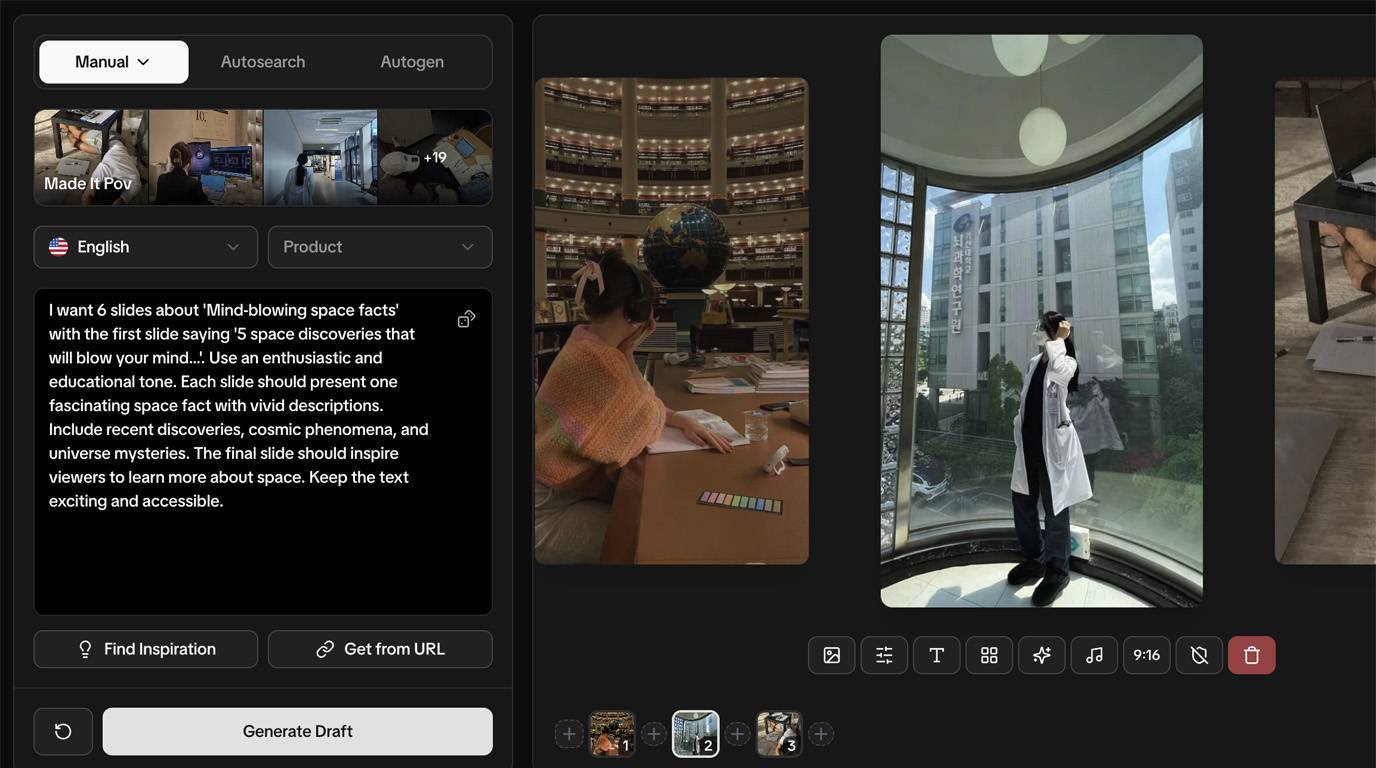
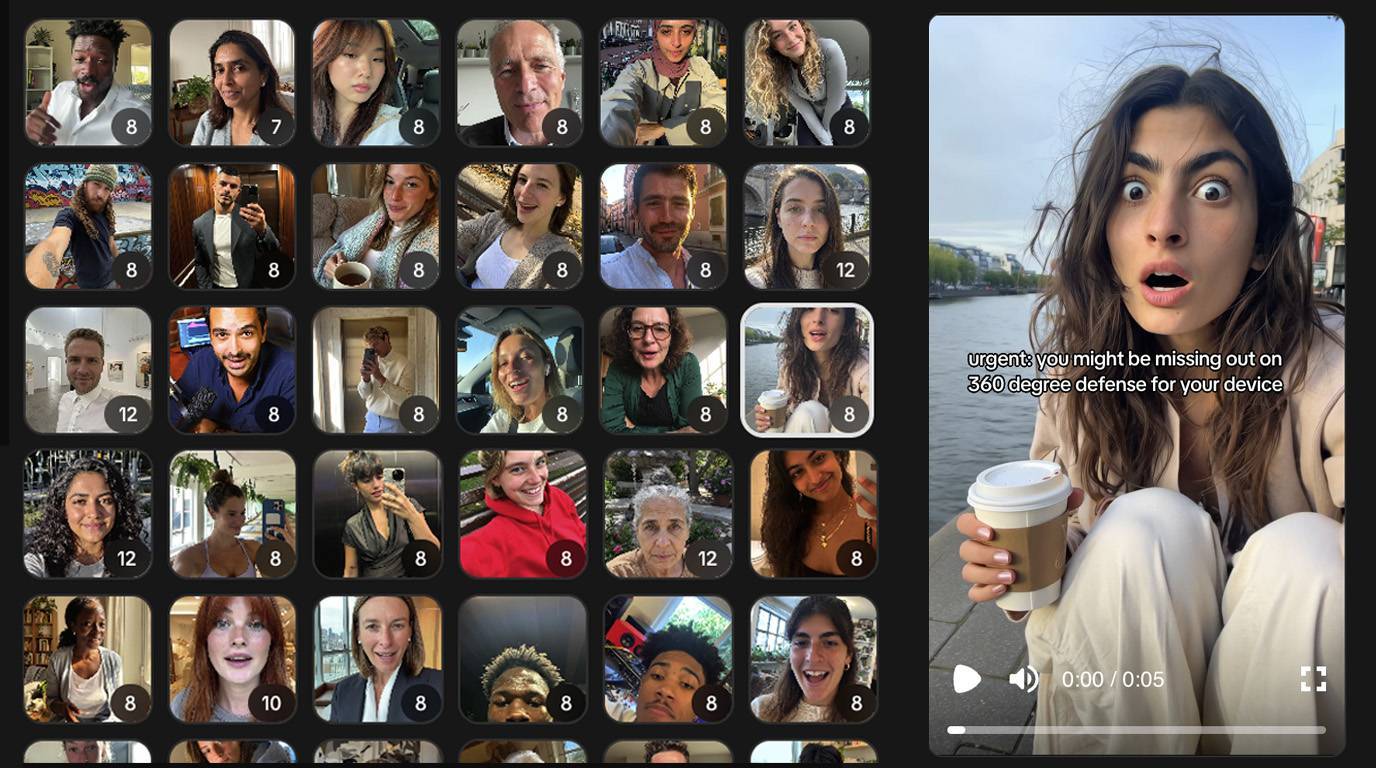
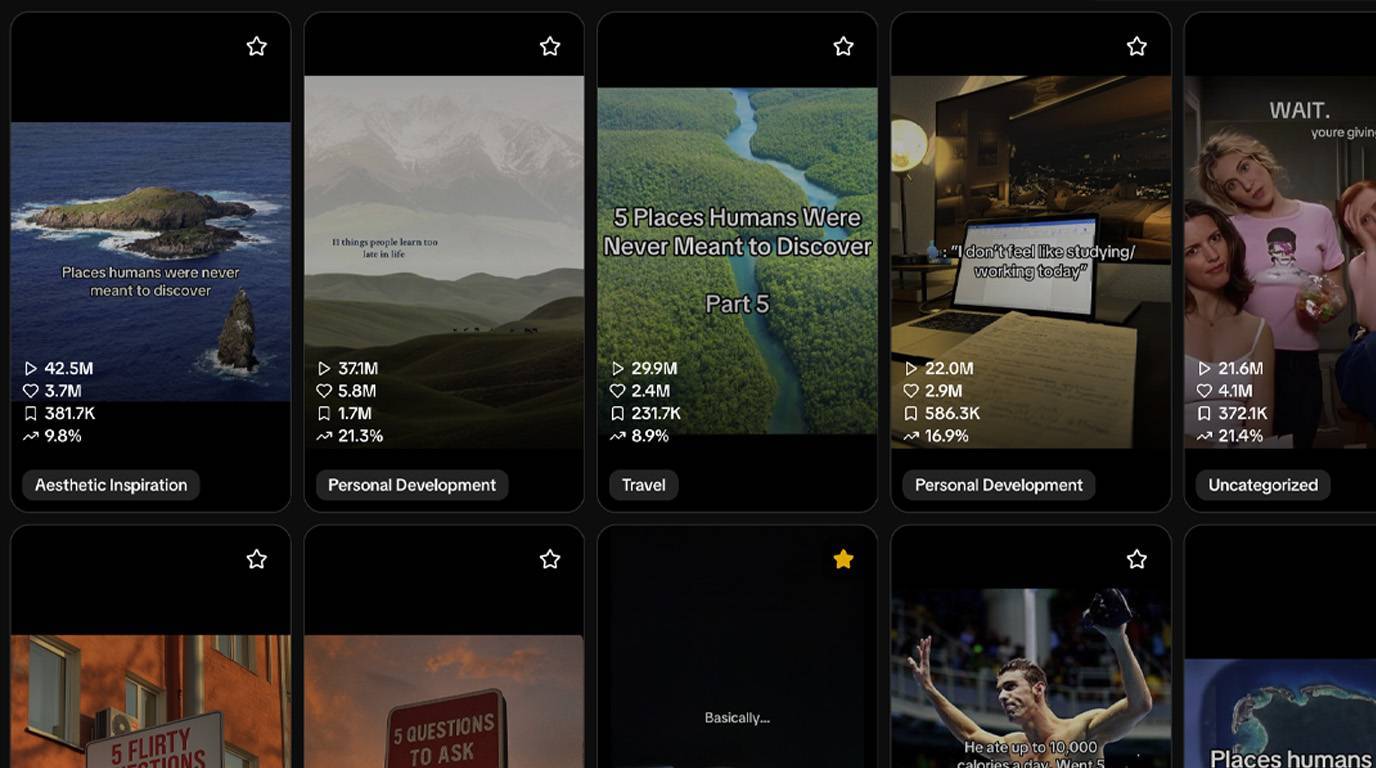
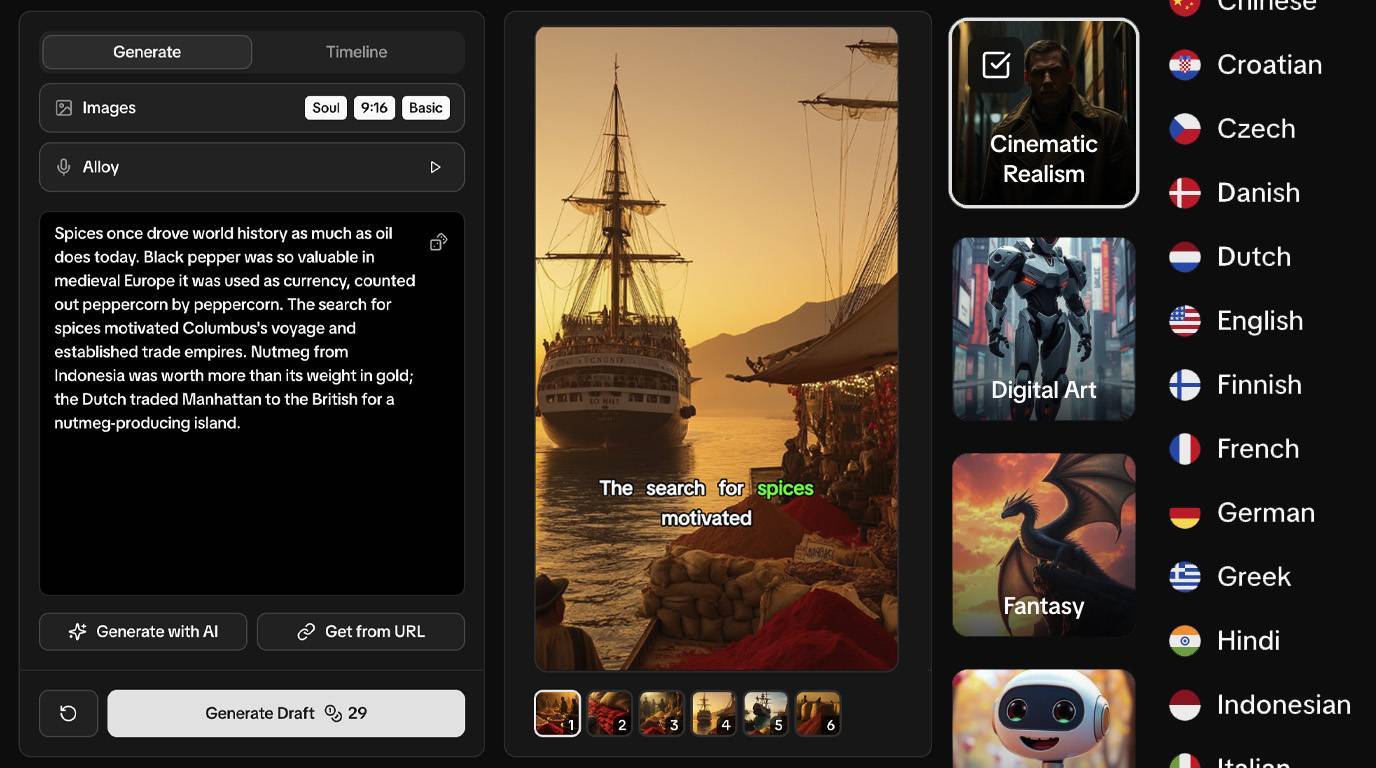



Content Ideas FAQ
Start Creating Today
Flexible plans for every stage.
Save 40% with annual billing.
More Digital Marketing Resources
50 Instagram Video Ideas for Marketers 2026
Discover 50 ready-to-produce faceless video ideas tailored for digital marketers, agency owners, and solopreneurs. These use image slideshows, UGC-style AI videos, greenscreen memes, and more to build organic traffic on Instagram without showing faces. Focus on scalable strategies for TikTok automation, hooks, and content calendars to solve consistency and ROI challenges.
30 UGC Video Ideas Marketers Instagram 2026
This collection provides 30 distinct, executable faceless UGC video concepts tailored for digital marketers, agency owners, and solopreneurs. Each idea uses AI avatars in UGC-style formats like testimonials, how-tos, and stories to deliver value through hooks, problem-solution narratives, and soft CTAs, addressing pain points like content consistency and scaling across platforms. Produce these with AI tools for authentic-looking Reels that drive saves, shares, and organic traffic without showing faces.
60 Instagram Hooks for Marketers 2026
Generate scroll-stopping hooks for faceless Instagram content targeting digital marketing professionals, agency owners, and solopreneurs. All hooks are optimized for image slideshows, AI UGC videos, greenscreen memes, chat mockups, AI storytelling, and hook + demo formats to drive organic traffic without showing faces.
40 Meme Ideas for Marketers 2026
Generate engagement with these 40 faceless greenscreen meme video ideas tailored for digital marketing professionals. Each uses screenshots, text overlays, or images on the greenscreen background paired with reaction commentary to highlight relatable pain points, industry jokes, and hot takes on scaling content without cameras.
Free Marketing Courses
Step-by-step courses to master social media marketing. From beginner setup to advanced monetization strategies.
Free Marketing Tools
Powerful tools to download videos, edit images, analyze content, and supercharge your marketing workflow.
Ready to start automating?
Join hundreds businesses growing with Renderfire