
How to Automate Your TikTok and Instagram Content Farm

TL;DR
TikTok automation should only begin after finding 2-3 winning content formats through manual testing. Two primary automation methods exist: Voice Control (native iOS feature using voice commands to trigger gestures) and OTG hardware control (physical chips enabling computer-controlled device automation with AI-powered screen analysis). Both methods are virtually undetectable when implemented correctly. The key principle: never automate before validating content-automation amplifies results, it doesn't create them.
The Automation Framework
Before implementing any automation, understand when automation actually makes sense. A common mistake is building massive automated farms before finding winning content formats or clearly defining target personas. Automation multiplies existing results-automating zero-performing content produces zero results at scale.
This builds on the foundational setup covered in How to Build a TikTok and Instagram Content Farm. Complete that setup first before implementing automation.
Phase 1: Manual Testing (Required First)
Start with a few phones configured for the target market. Give devices to team members for running creative tests and exploring what actually works. Consume the same content as the target audience and test different formats using manually configured devices.
Without hands-on testing-warming up accounts, consuming target audience content-there's no understanding of what content can effectively introduce a product and drive conversions. The quality and relevance of content is the primary success factor. This messy, hands-on phase of analyzing audiences, identifying working formats, and running daily tests cannot be skipped. Use our YouTube Transcript Extractor to study successful content in your niche and identify winning formats.
Phase 2: Validate Winning Formats
After running tests and achieving 2-3 winning posts using the manual "mobile" farm, evaluate whether the formats are repeatable and scalable. Not all winning content is repeatable.
Repeatable formats (suitable for automation)
Non-repeatable formats (better for paid amplification)
Repeatable formats can be automated and distributed at scale. Non-repeatable winners work better as paid advertising assets-use platform features like TikTok Spark Ads to boost organic posts once natural reach declines.
Phase 3: Automate Production and Distribution
Only after validating repeatable formats should automation begin. Connect winning content to semi-automated farm infrastructure for scaled distribution.
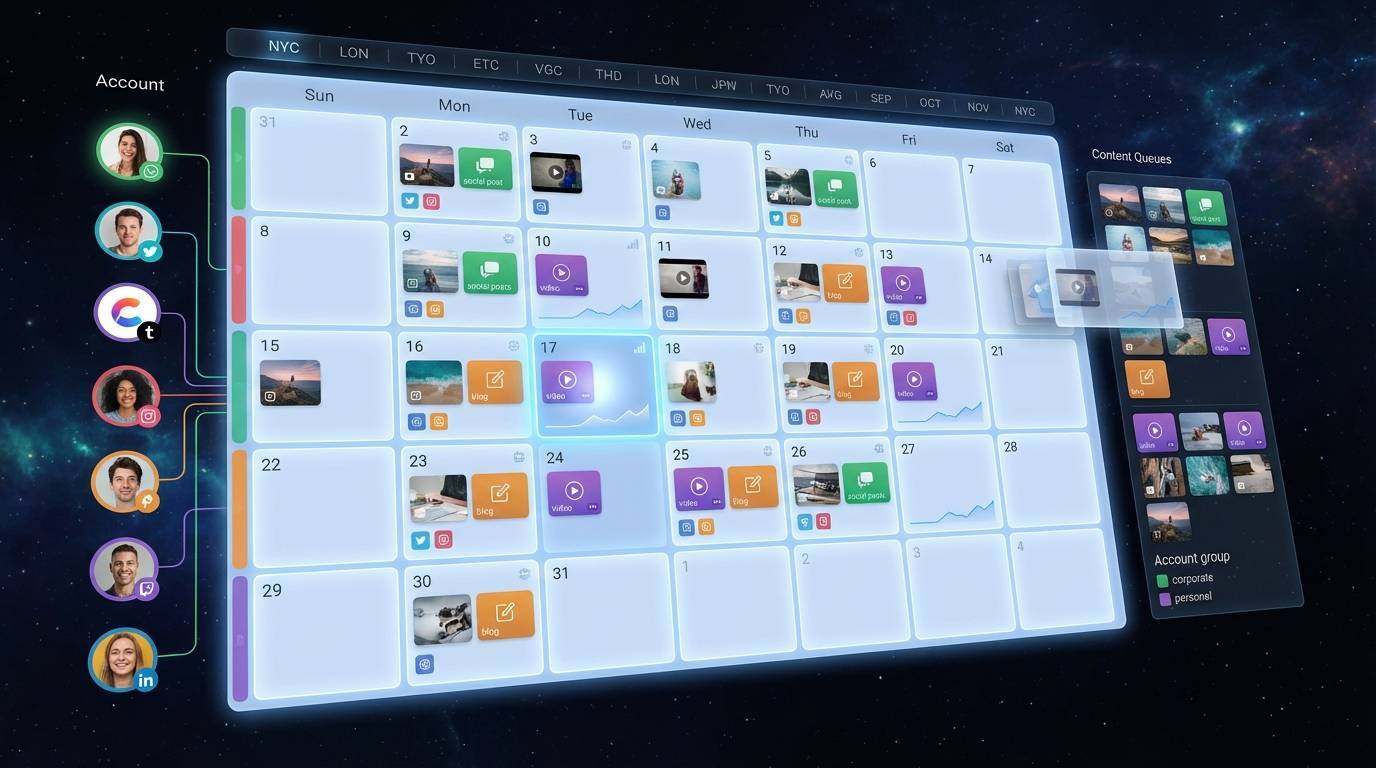
For automated content production, tools like Renderfire can generate carousel slideshows, UGC video content, faceless videos, and template-based variations that feed directly into TikTok automation workflows. Learning how to do slideshow on TikTok becomes simple when AI handles the creation. This approach is particularly valuable for e-commerce brands and dropshipping businesses running high-volume product campaigns.
The LSDCP Framework positions this as the Distribution stage-automation amplifies validated content from Lab and Scale stages.
Proxy vs SIM Card Considerations
How Platform Detection Has Evolved
Previously, inserting a SIM card from the target country was sufficient for location configuration. Platforms like TikTok relied mainly on MCC (Mobile Country Code) and MNC (Mobile Network Code) from SIM cards to determine location-enough to access the right For You Page and trigger geo-targeted distribution.
Today, platforms cross-reference multiple signals: SIM card metadata, IP address, device language, time zone, and GPS data (if enabled). If signals don't match-for example, a US SIM with a non-US IP-accounts risk being flagged, experiencing reduced reach, or landing on incorrect geographic feeds.
Current Best Practices
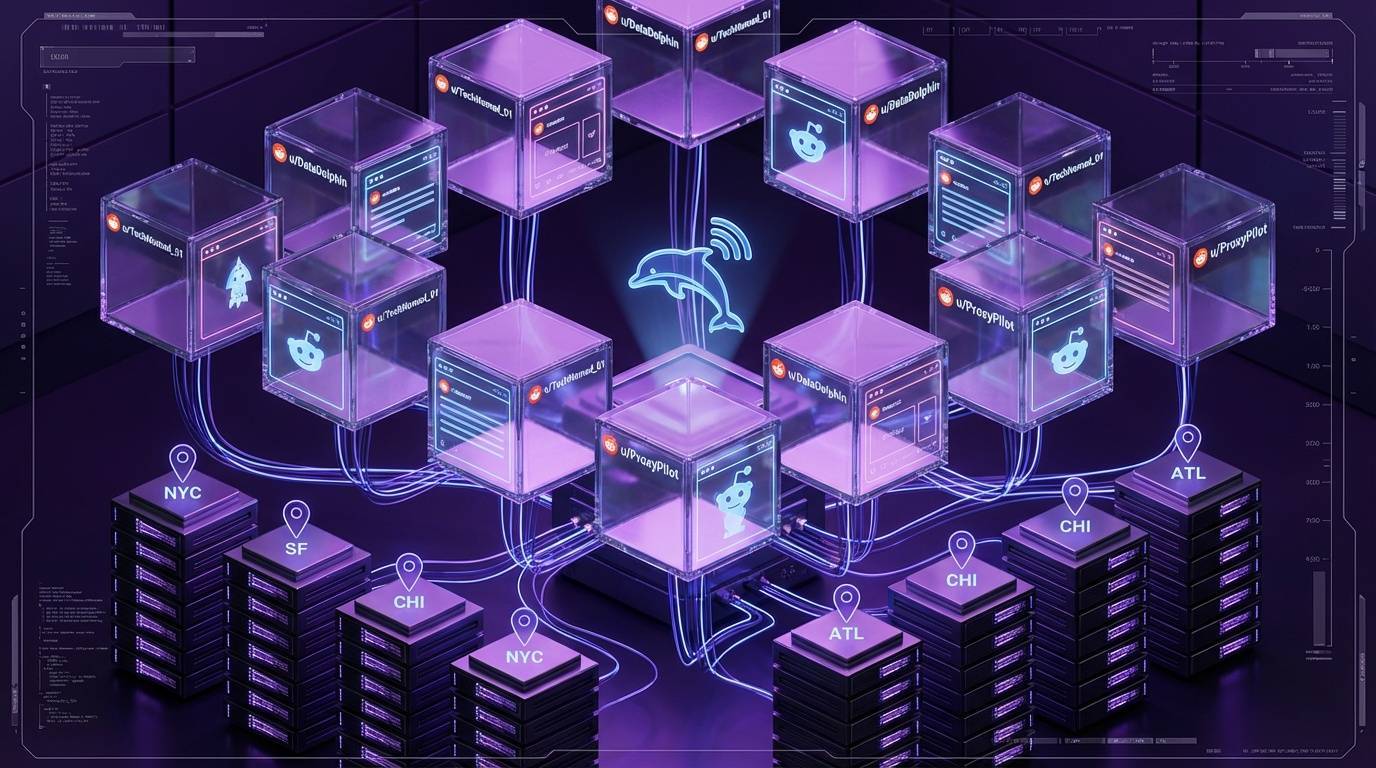
SIM cards alone no longer work for operators outside the target country. Quality mobile proxies are essential. Mobile proxies without SIM cards still work, though SIM cards can help build trust faster on fresh devices or new accounts when combined with proper proxy setup.
Avoid consumer VPNs entirely. Typical VPN services (especially datacenter-based options) almost always result in shadowbans. Platforms detect these IPs easily. 4G/5G mobile proxies are safest-these run through real carrier networks using shared IPs via CGNAT (Carrier-Grade NAT), making them nearly impossible to track or block. This mirrors how legitimate mobile users connect.
Proxy Requirements
For reliable farm operation, you need a dedicated connection (not shared with other users), mobile IP addresses (4G/5G cellular, not residential or datacenter), geographic consistency (US-based for US market targeting), and stable connectivity (minimal dropouts that could reveal true location).
The Account Warmup Essentials course covers maintaining account health across proxy-connected devices.
Method 1: Voice Control Automation
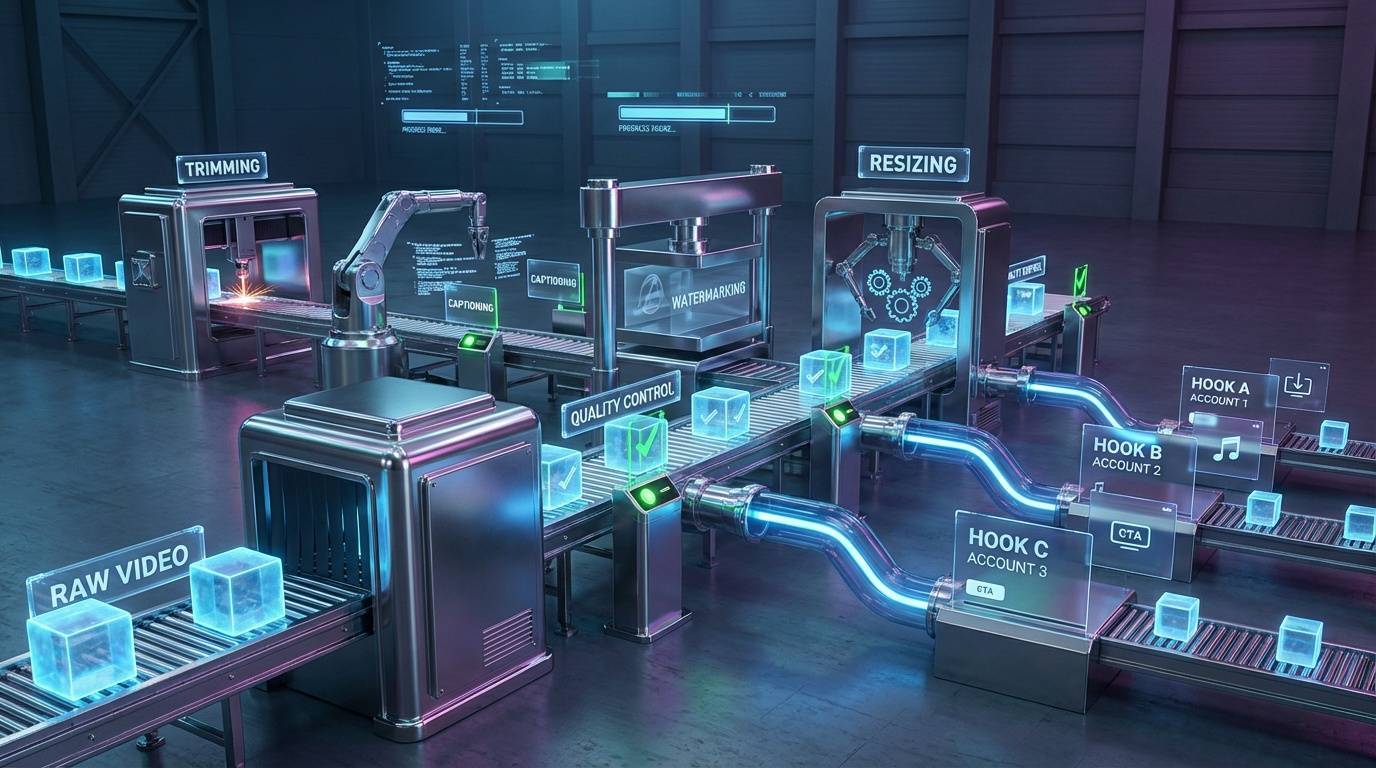
One of the easiest and safest ways to semi-automate social media farms is using Voice Control, a native iOS feature that triggers gestures through voice commands.
How Voice Control Works
The concept is simple: create custom gestures for key platform actions (like, save, swipe, scroll), then trigger them with pre-recorded voice commands. Because Voice Control is a native accessibility feature, it's undetectable by platforms.
Enable Voice Control
Go to iOS Settings, then Accessibility, then Voice Control and turn it ON.
Create Custom Commands
Create custom commands that trigger specific gestures for platform actions.
Record Gesture Variations
Record multiple variations of each gesture with minimum 5 trigger words per action.
Automate with Audio
Use AI-generated or pre-recorded audio to trigger commands automatically.
Scaling Voice Control
To warm up multiple accounts simultaneously:
Manual Warmup First
Each account should receive 15-30 minutes of manual warmup before automation. This curates the For You Page properly and trains the algorithm.
Configure Actions Per Device
Set up commands for scroll/swipe, like, save, and comment interactions.
Generate Audio Triggers
Use text-to-speech services to create high-quality audio that triggers voice commands reliably.
Define Device Behaviors
Configure parameters like interaction frequency (how often the device engages), scroll frequency (delay between scrolls), and engagement type (random, like-only, or save-only).
Voice Control Advantages
Voice Control Limitations
Method 2: OTG Hardware Automation

OTG (On-The-Go) hardware automation provides more powerful, context-aware control. By combining OTG chips (which access phone screens and perform actions) with AI-powered analysis, devices can be managed based on exactly what's displayed-enabling reactive, intelligent automation.
Hardware Requirements
Device Preparation
Before connecting OTG hardware, configure each iPhone:
Enable AssistiveTouch
Settings → Accessibility → Touch → AssistiveTouch: ON. Set Always Show Menu: OFF and Tracking Sensitivity: Maximum.
Enable Full Keyboard Access
Settings → Accessibility → Keyboards → Full Keyboard Access: ON. Set Auto Hide: 1 second.
Display Settings
Set Brightness to lowest (reduces heat and power consumption), Auto-Lock to Never, and Display View to Standard.
OTG Capabilities
Intelligent Automation Features
The combination of OTG hardware and AI enables sophisticated automation:
Device/Group Management
Add unlimited devices to control dashboard, create groups for batch operations, and manage multiple screens with single commands.
Screen Scanning
Automatically identify tap zones (like, comment, save, follow), map interaction areas so actions land precisely, and calibrate per device for accuracy.
Behavioral Configuration
Configure frequency (how often device engages), activity type (what actions to perform), and AI comments (generate context-aware comments based on video content).
Conditional Triggers
Visual AI analysis to interact only with videos containing specific elements, metadata filters to target posts by keywords, and content categorization to engage based on content type detection.
OTG Advantages
OTG Considerations
Choosing the Right Method
| Factor | Voice Control | OTG Hardware |
|---|---|---|
| Cost | Free (native iOS) | ~$30-50 per device |
| Detectability | Undetectable | Undetectable |
| Screen awareness | No | Yes (AI-powered) |
| Setup complexity | Low | Medium |
| Scalability | Good | Excellent |
| Content targeting | Pre-curated only | Real-time filtering |
| Comment capability | Limited | AI-generated contextual |
Use Voice Control when
Use OTG Hardware when
Scaling Your Automated Farm
Phase 1: 1-10 Devices
Voice Control provides sufficient automation. Focus on perfecting warmup procedures and content validation before investing in hardware.
Phase 2: 10-25 Devices
OTG hardware becomes worthwhile. Central control dashboard enables single-operator management of 20+ devices efficiently.
Phase 3: 25+ Devices
Full OTG infrastructure with dedicated operator. Consider AI-powered content filtering and automated commenting for engagement quality. Marketing agencies often reach this scale when managing content distribution across multiple client accounts.
The Automation & Teams course covers building teams for managing automated farm operations.
Common Mistakes to Avoid
Frequently Asked Questions
When should automation begin?
Only after achieving 2-3 winning posts through manual testing. Automation amplifies validated content formats-it doesn't create success from underperforming content.
Is Voice Control automation detectable?
No. Voice Control is a native iOS accessibility feature. Platforms cannot distinguish voice-triggered actions from manual taps.
Is OTG hardware automation detectable?
When implemented correctly, no. OTG hardware simulates genuine touch inputs. Combined with proper timing randomization, actions appear human.
How many devices can one person manage with automation?
With Voice Control: 10-15 devices comfortably. With OTG hardware and proper dashboard: 25-50 devices. Beyond 50 devices typically requires dedicated operators.
Do automated accounts need ongoing manual attention?
Yes. Periodic manual engagement (10-15 minutes weekly per account) maintains account health and keeps feed algorithms properly trained. Full automation without any manual interaction eventually degrades performance.
Can automation handle content posting or just engagement?
The methods described focus on engagement automation (warmup, likes, saves, comments). Content posting should remain manual or semi-manual through native app drafts to avoid detection. Some OTG setups can automate posting from drafts, but this requires careful implementation.
Key Takeaways
- 1 Never automate before validating content-find 2-3 winning formats through manual testing first
- 2 Voice Control provides free, undetectable automation using native iOS features, ideal for smaller farms
- 3 OTG hardware enables AI-powered, context-aware automation with screen analysis and intelligent engagement
- 4 Mobile 4G/5G proxies are essential; SIM cards alone no longer work, and consumer VPNs guarantee shadowbans
- 5 Include randomization in automated behaviors and maintain periodic manual engagement to appear natural
- 6 Scale automation gradually: Voice Control for 1-10 devices, OTG hardware for 10-25+, dedicated operators for 25+
More Posts

Ready to start automating?
Join hundreds businesses growing with Renderfire