Tumblr Video Download
Download Tumblr videos and GIFs in high quality. Save posts from any Tumblr blog to your device.
You Downloaded the Video. Now What?
Renderfire helps you go from inspiration to published content — without the complexity.
The Content Creation Struggle
- Downloading Tumblr videos is just the first step — turning them into content takes hours
- Editing tools are complex, expensive, or require design skills
- Posting to multiple platforms means reformatting content for each one
- Staying consistent requires a full content calendar and daily work
How Renderfire Helps
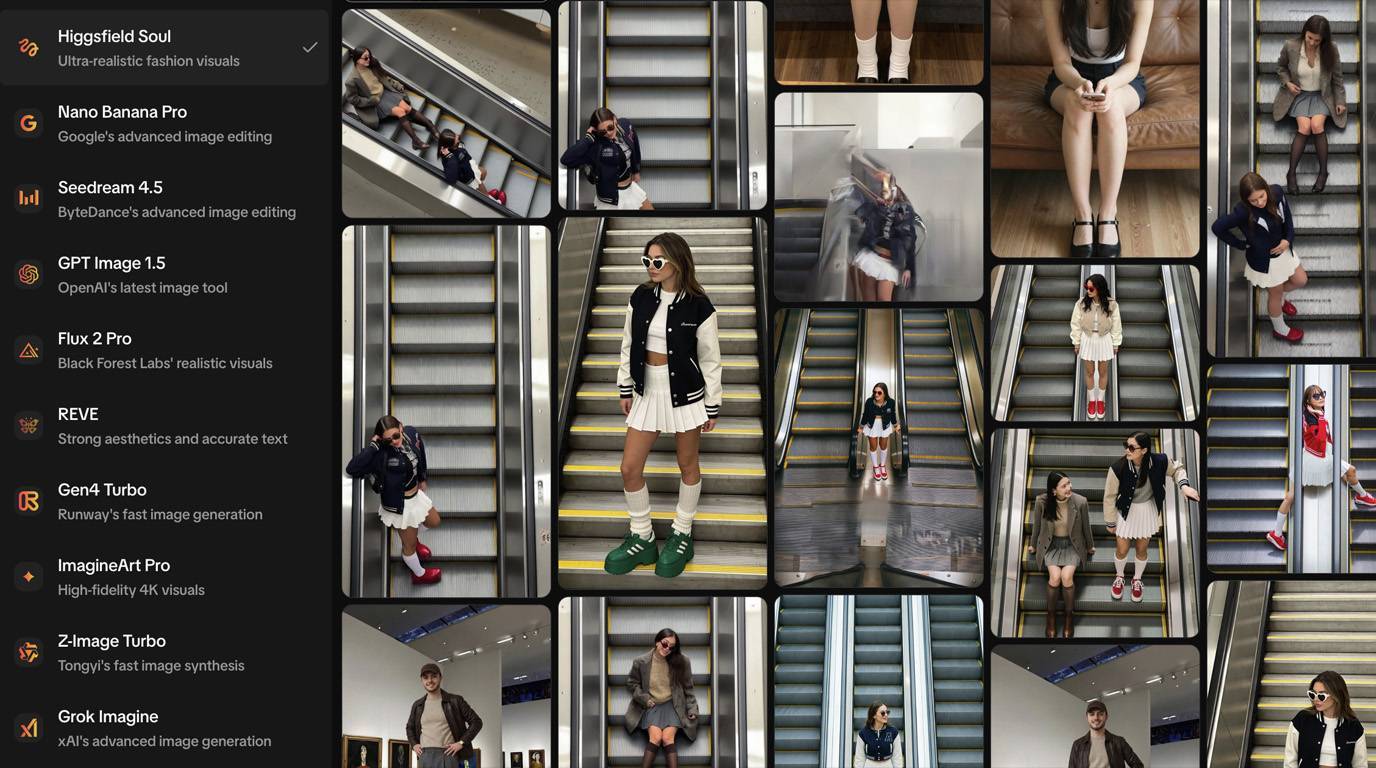
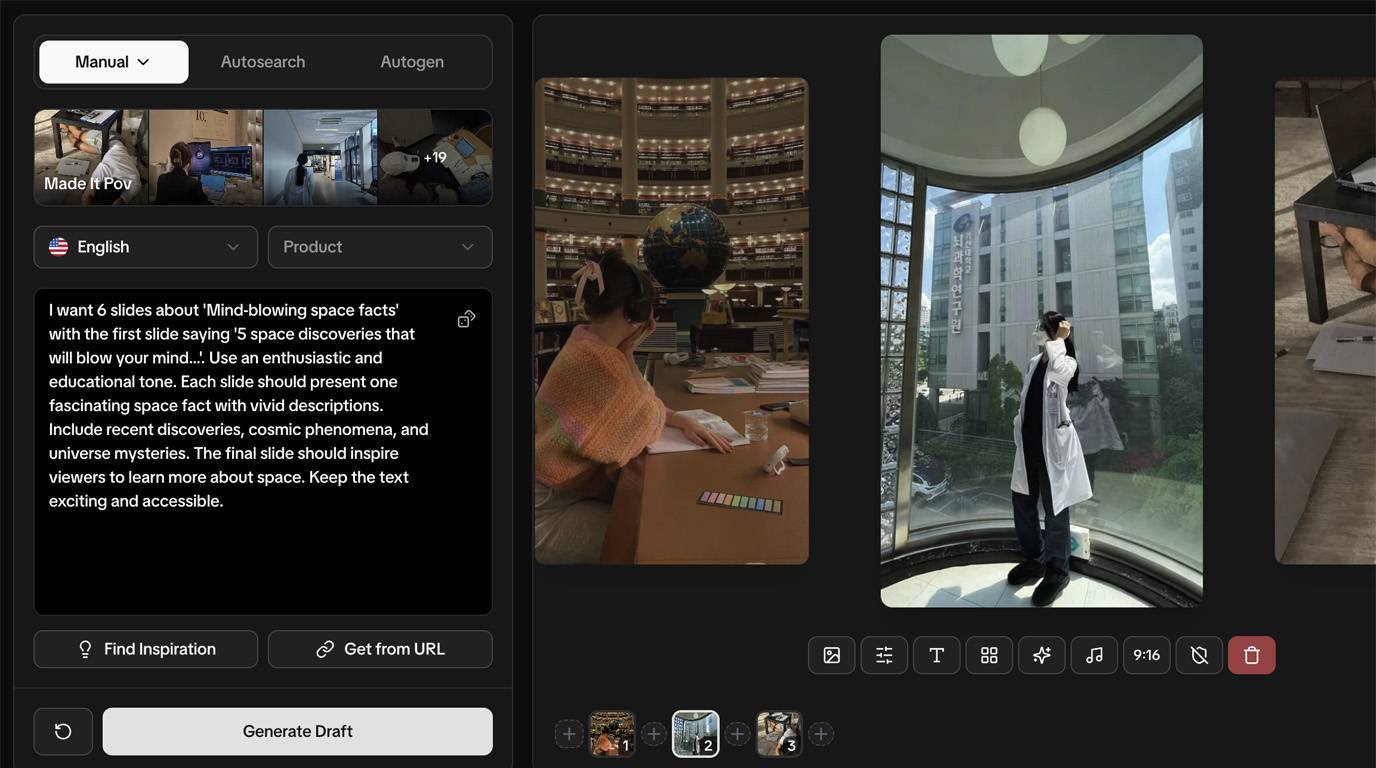
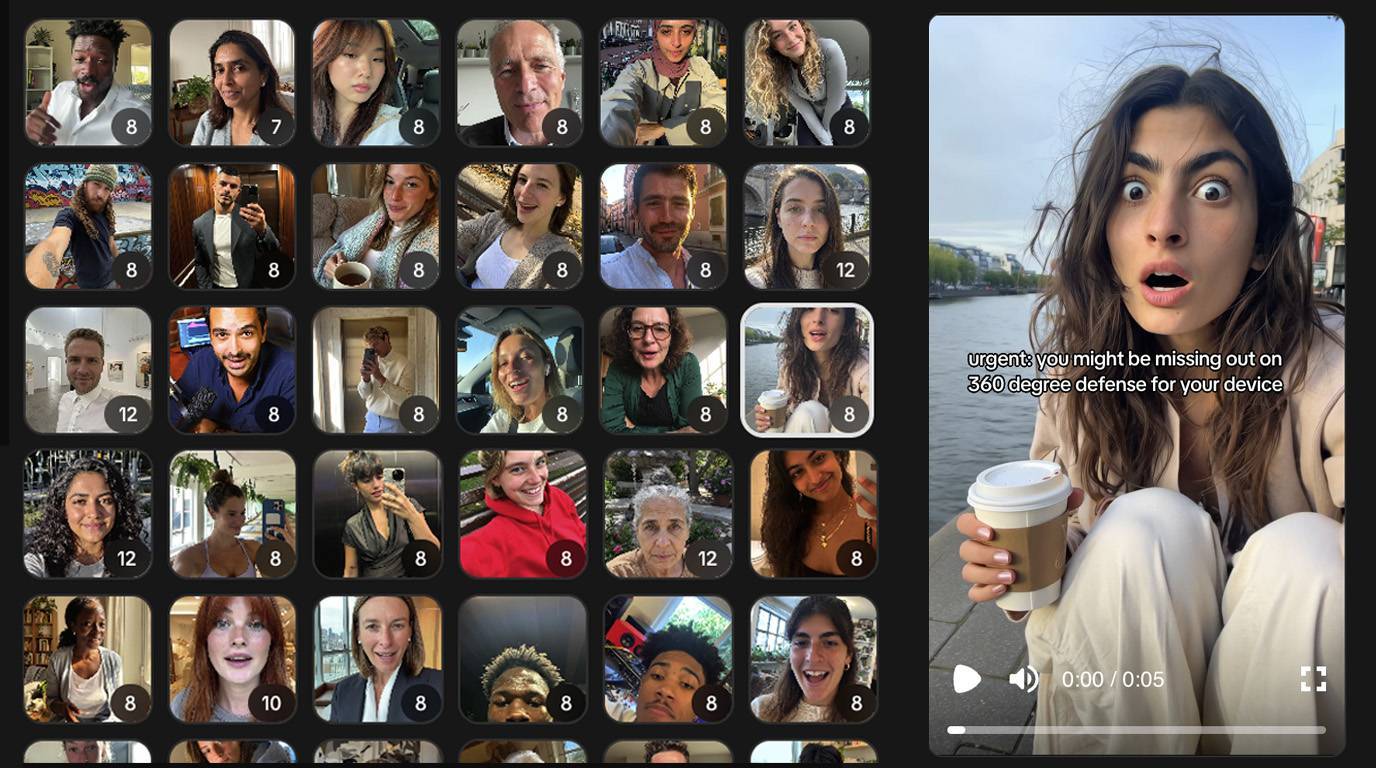
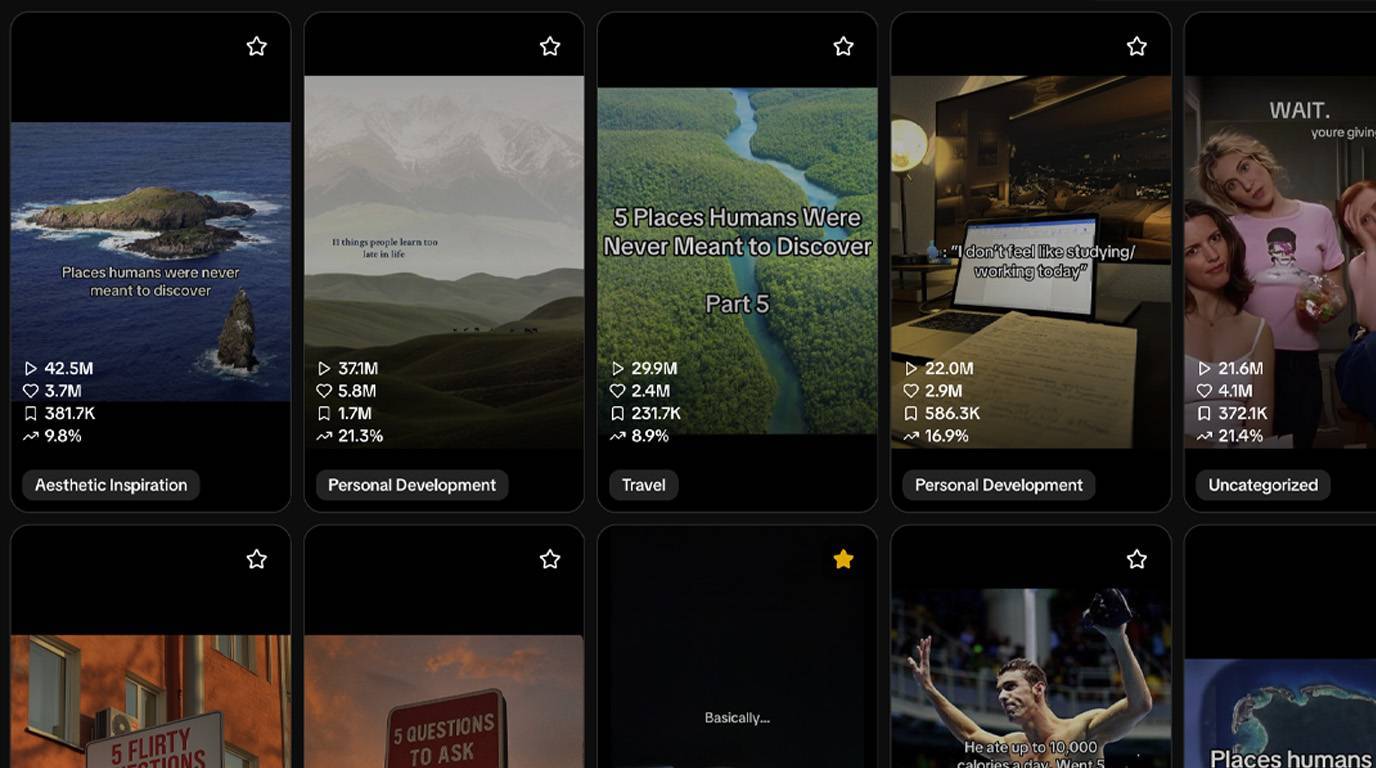
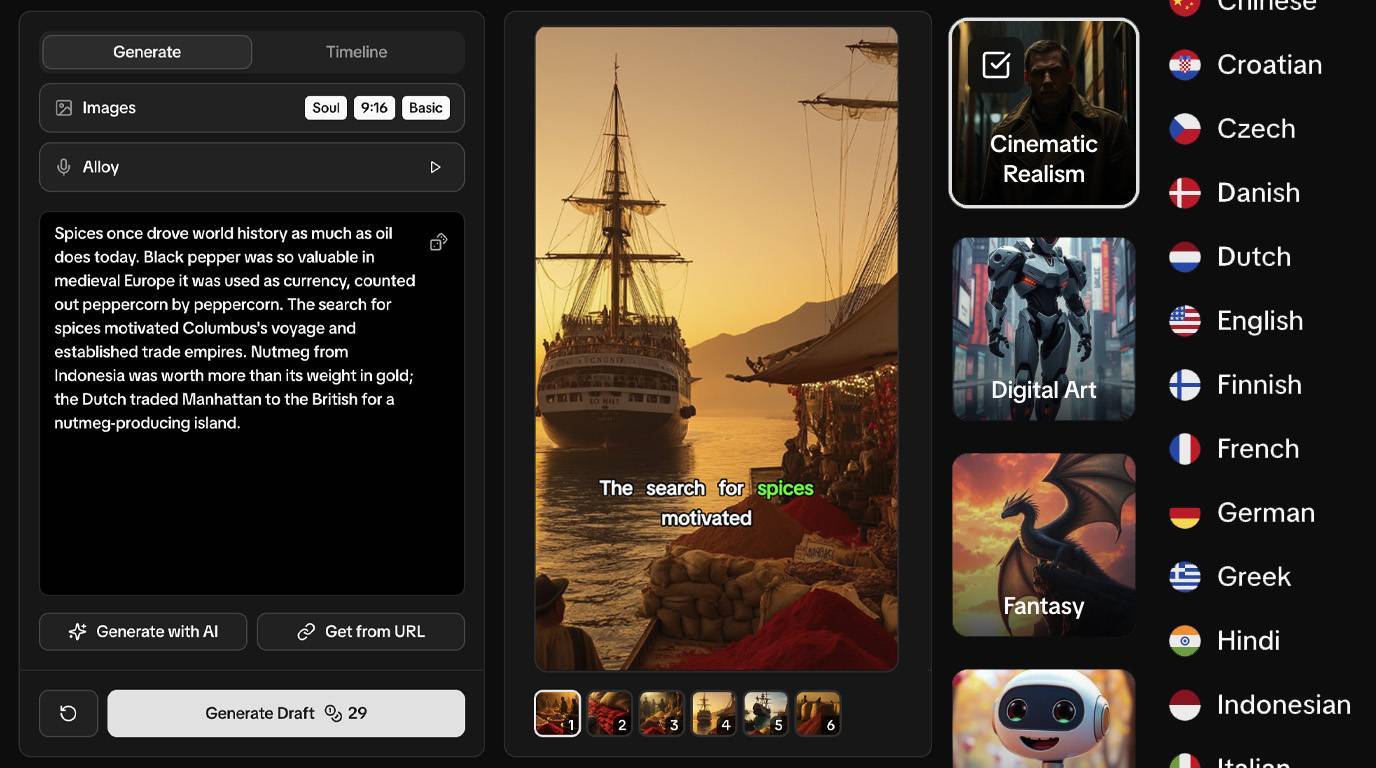
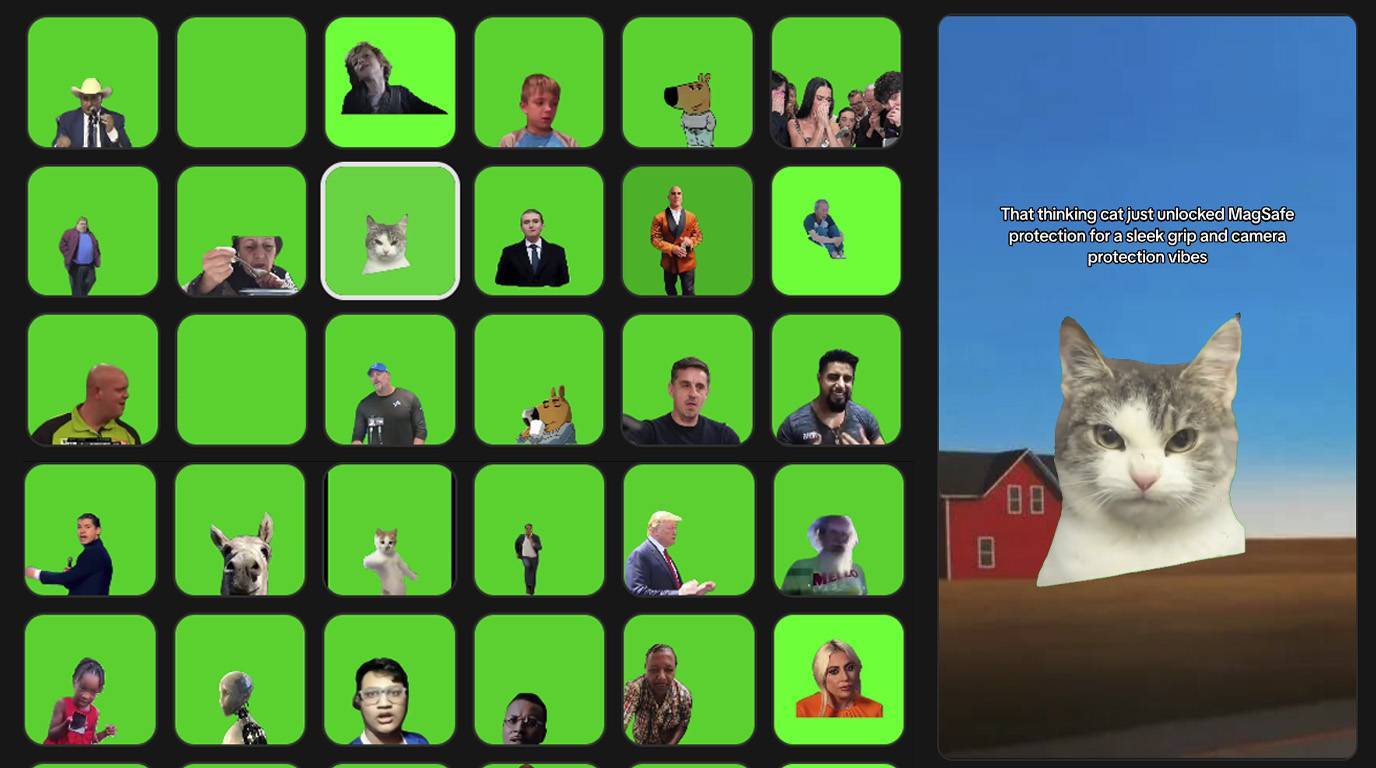
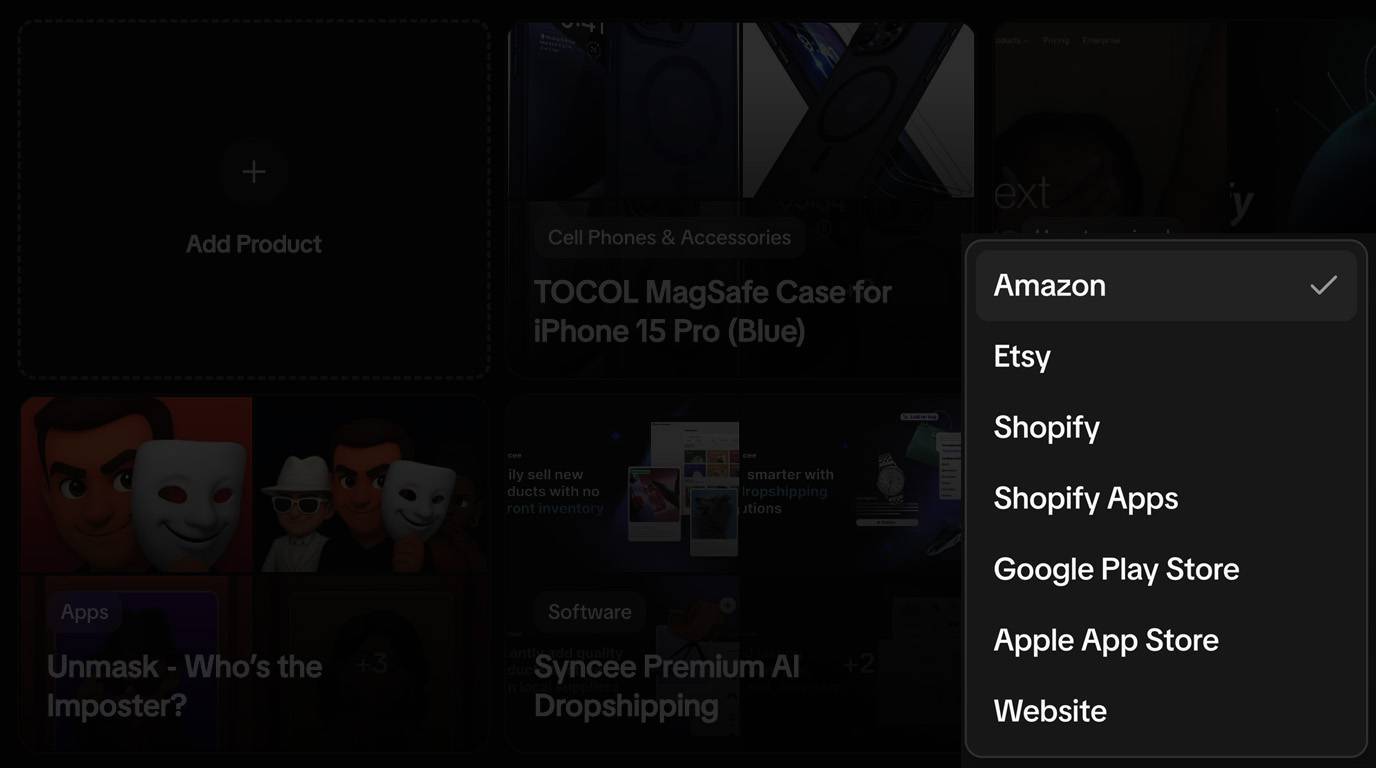
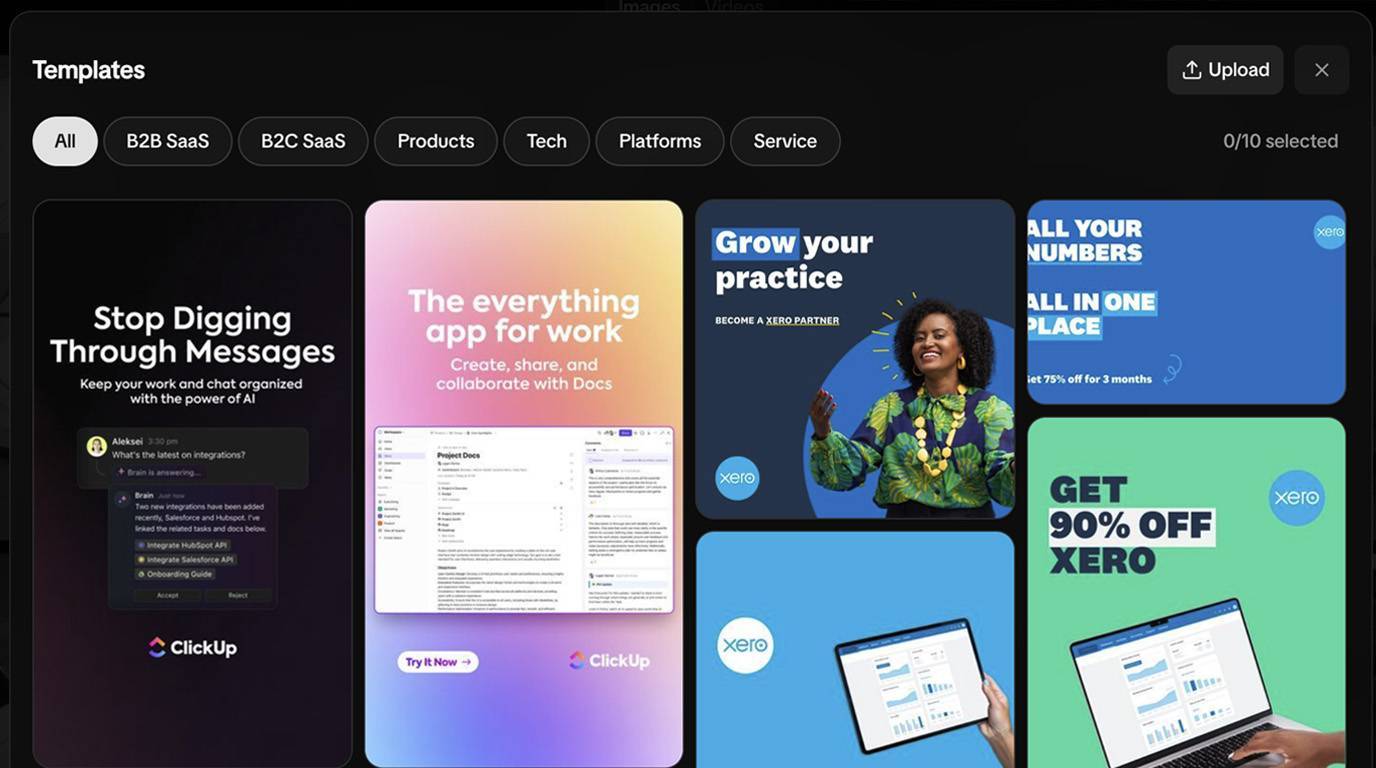
- Go from inspiration to publish-ready content in minutes with AI-powered creation tools
- Describe what you want and get professional results — no design skills needed
- One-click publishing to TikTok, Instagram, YouTube, Pinterest, and more
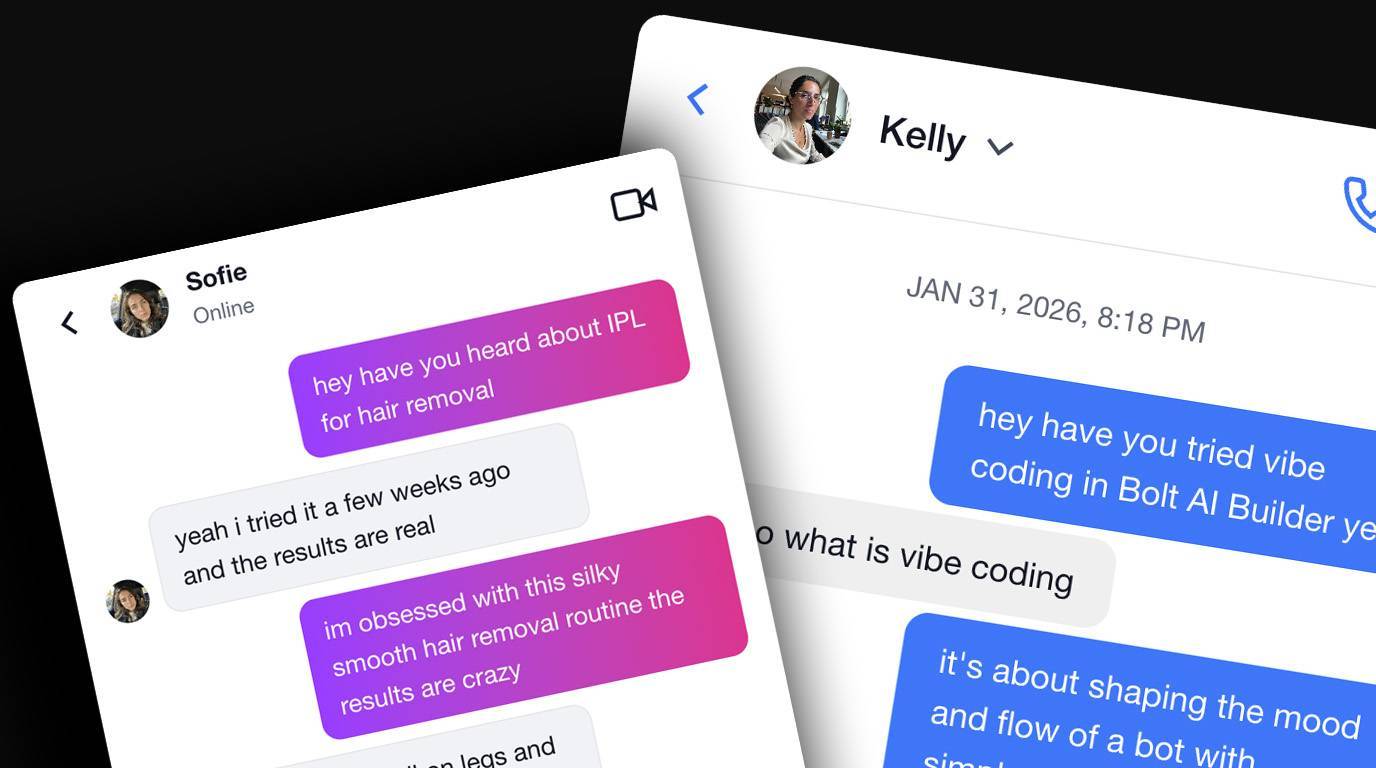
- Automations keep your channels active while you focus on strategy







Go Beyond Downloading. Create & Publish.


Start Creating Today
Flexible plans for every stage.
Save 40% with annual billing.
Ready to start automating?
Join hundreds businesses growing with Renderfire
TL;DR
Download Tumblr videos and GIFs for free. Paste any Tumblr post URL containing video or GIF content, preview it with the caption, then download to your device. Tumblr's unique creative community produces content you won't find elsewhere—save fan edits, animations, art videos, and creative content before posts get deleted or blogs disappear.
How to Download Tumblr Videos
Save Tumblr videos and GIFs with our free downloader. Here's how it works.
Step-by-Step Guide
Step 1: Find the Tumblr post. Navigate to Tumblr and find the post containing the video or GIF you want to download. This works with native Tumblr video uploads and GIF posts.
Step 2: Copy the post URL. Click on the post to open it in its own page, then copy the URL from your browser. Tumblr URLs look like tumblr.com/username/post-id or the reblogged format.
Step 3: Paste and fetch the video. Paste the URL into the input field above and click "Get Video". Our tool retrieves the video with a preview thumbnail and the post caption.
Step 4: Download the content. Preview the video to confirm it's what you want, then click "Download Video" to save it to your device.
What Tumblr Content Can You Download
Our tool supports video and GIF content from Tumblr posts.
Native Tumblr videos. Videos uploaded directly to Tumblr posts. These are typically short-form content, fan edits, art showcases, and creative videos.
GIF posts. Tumblr is famous for its GIF culture. GIF posts download as video files (MP4), which often provides better quality than the original GIF format.
Reblogged content. If a video post has been reblogged, you can download it from either the original post or the reblog URL.
Not supported: External embeds. If a Tumblr post contains an embedded YouTube or other external video, use our YouTube Downloader or other platform-specific tools.
When to Download Tumblr Videos
Tumblr's creative community produces unique content worth preserving.
Preserving fan content and edits. Tumblr is home to incredible fan-made edits, compilations, and creative videos. Creators sometimes delete their work or deactivate accounts—downloading preserves content you love.
Saving artistic GIFs and animations. Tumblr's GIF culture is unique. Artists create stunning animated works that deserve preservation beyond the platform.
Archiving before blogs disappear. Tumblr blogs get deactivated, go private, or content gets removed during platform policy changes. If you find valuable content, save it.
Offline viewing. Save entertaining content for viewing without internet access. Tumblr's endless scroll can eat data—download favorites for offline enjoyment.
Frequently Asked Questions
Why do GIFs download as video files?
Tumblr converts GIFs to video format (MP4) on their platform for better performance. When you download, you get the MP4 version, which typically has better quality and smaller file size than the original GIF format.
Can I download from private Tumblr blogs?
No, private blogs require authentication and are not accessible through public URLs. Only content from public blogs that anyone can view without logging in will work with our tool.
What if the video is embedded from YouTube?
External embeds (YouTube, Vimeo, etc.) cannot be downloaded through our Tumblr tool. Use our YouTube Downloader or the appropriate platform-specific tool for embedded content.
Do reblogged posts work?
Yes, you can download from both original posts and reblogs. Copy the URL from whichever version you're viewing, and the video will download the same way.
Is it okay to download fan content from Tumblr?
Downloading for personal viewing is generally fine. However, never repost fan content without credit or claim it as your own. Tumblr creators put significant effort into their work—respect their creativity and credit them if sharing.
Do I need a subscription to use this tool?
Yes, this tool requires an active Renderfire subscription. Subscribers get up to 100 uses per day.
Key Takeaways
- 1Works with native Tumblr videos and GIF posts
- 2GIFs download as MP4 video files (better quality)
- 3Preview content with post caption before downloading
- 4Great for preserving fan edits and creative content
- 5Public blogs only—private content not accessible
- 6Respect creators—don't repost without credit