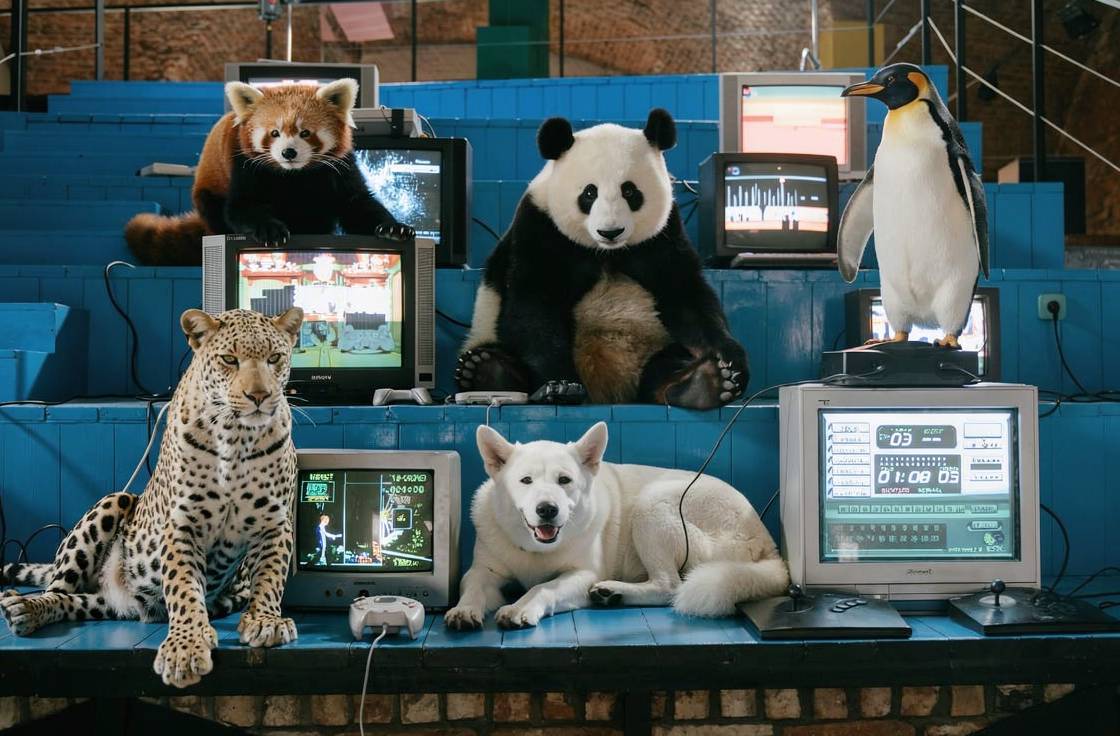
FLUX.2 Prompting Guide: JSON Prompts + HEX Colors That Actually Work

TL;DR
FLUX.2 is an AI image generator built for precision and control. Its standout features include JSON structured prompting (specify exact camera, lens, style, and mood parameters), precise HEX color control (define exact brand colors), superior physics understanding (realistic light, gravity, and object interactions), and multi-language support (including non-Latin scripts). These capabilities make FLUX.2 ideal for brand-consistent marketing assets, complex infographics, and photorealistic professional imagery.
What Is FLUX.2?
FLUX.2 is an AI image generator designed for users who need precise control over their outputs. Unlike models that interpret prompts loosely, FLUX.2 "actually listens" - delivering exactly what you specify with superior physics understanding and high-resolution detail.
Premium Resolution
Accurate Physics
Enhanced World Knowledge
JSON Structured Prompting
HEX Color Precision
Multi-Language Support
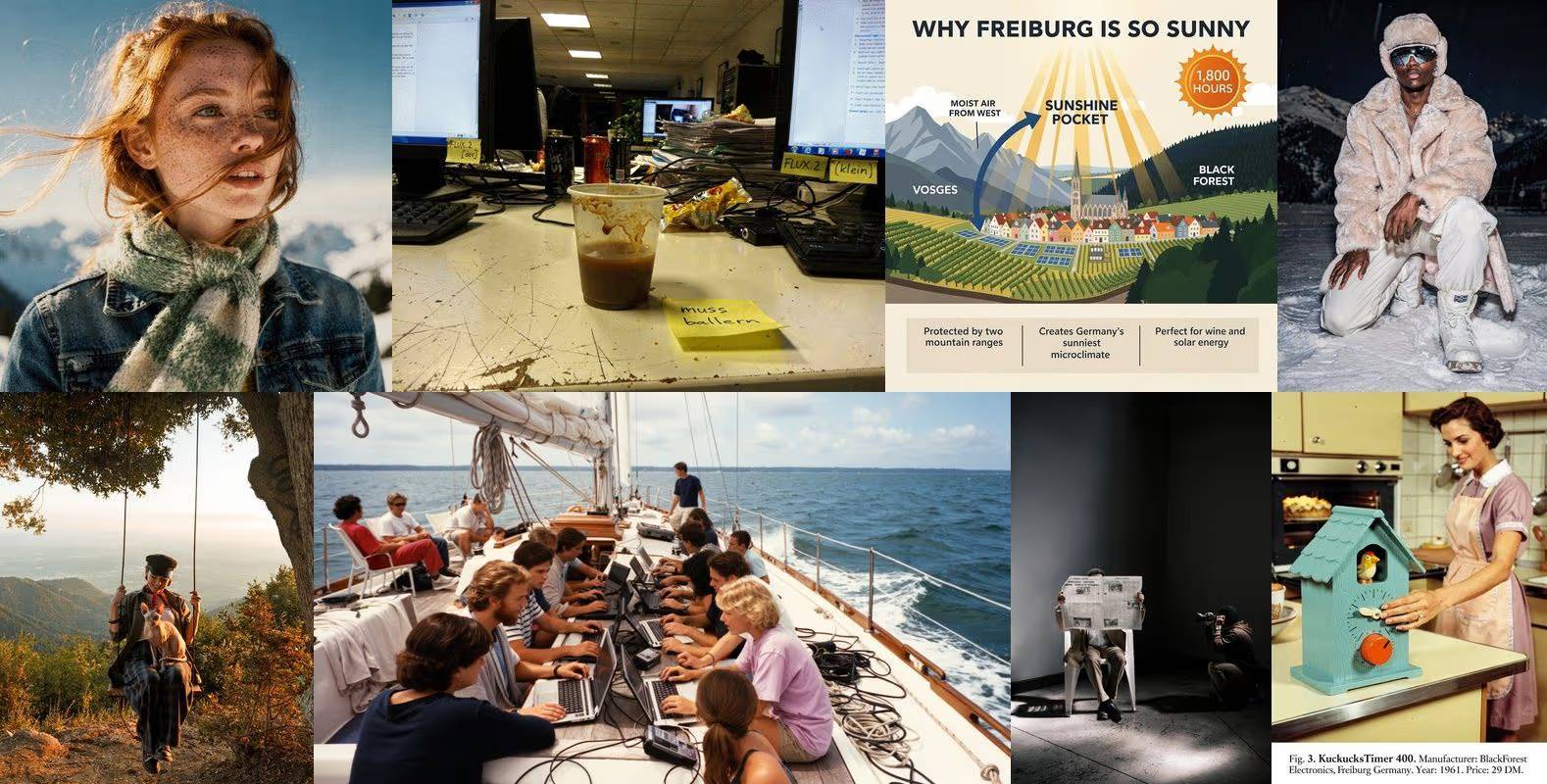
For marketing teams using Renderfire, FLUX.2 enables brand-consistent visual production at scale. The combination of precise color control and structured prompting ensures outputs match brand guidelines exactly.
JSON Structured Prompting
FLUX.2's most powerful feature is JSON structured prompting - a systematic way to specify every aspect of image generation with granular control.

Why JSON Prompting Matters
Traditional text prompts rely on the model interpreting natural language. Results can vary based on how the model weighs different parts of your description. JSON prompting eliminates ambiguity by explicitly defining each parameter.
Traditional prompt: "A professional photo of a woman in a coffee shop, warm lighting, shallow depth of field"
JSON structured prompt:
{
  "subject": "professional woman, late 20s, cream sweater",
  "setting": "modern coffee shop, exposed brick, hanging plants",
  "camera": {
    "lens": "35mm",
    "aperture": "f/1.8",
    "angle": "eye level"
  },
  "lighting": {
    "type": "natural window light",
    "direction": "camera left",
    "mood": "warm golden hour"
  },
  "style": "lifestyle photography",
  "aspect_ratio": "4:5"
}
The JSON approach ensures FLUX.2 understands exactly what you want for each parameter rather than inferring from context.
Key JSON Parameters
Camera settings:
lens- Focal length (24mm, 35mm, 50mm, 85mm, 200mm)aperture- Depth of field control (f/1.4 to f/16)angle- Camera position (eye level, low angle, high angle, dutch angle)shot_type- Framing (extreme close-up, close-up, medium, full, wide)
Lighting parameters:
type- Light source (natural, studio, dramatic, soft box)direction- Where light comes from (front, side, back, rim)mood- Emotional quality (warm, cool, neutral, dramatic)time_of_day- For natural lighting (golden hour, blue hour, midday)
Style controls:
style- Overall aesthetic (commercial, editorial, lifestyle, cinematic)color_grade- Post-processing look (warm, cool, desaturated, vibrant)film_emulation- Specific film stock look (Kodak Portra, Fuji Velvia)
Precise HEX Color Control
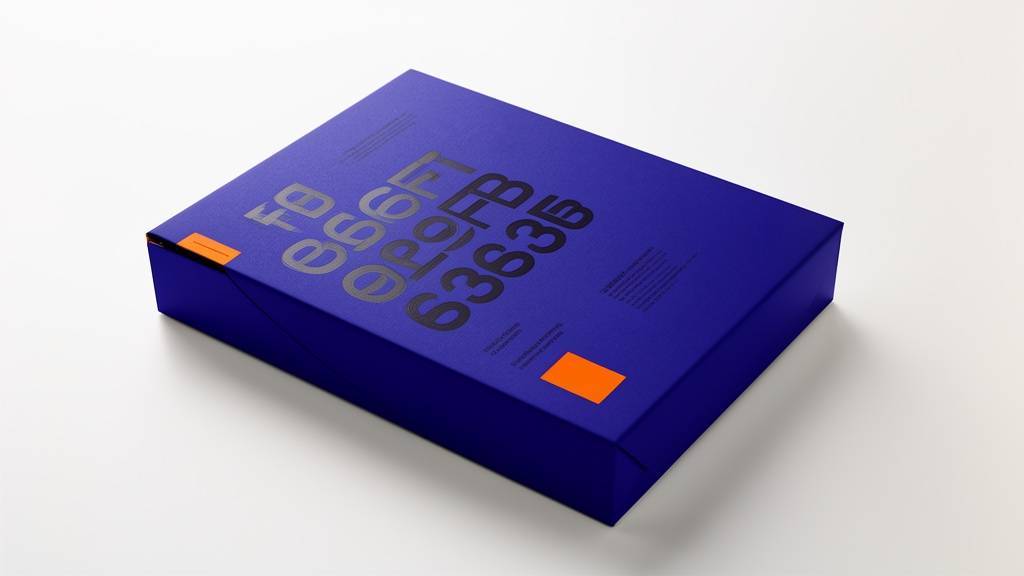
FLUX.2 accepts specific HEX codes to define exact object colors and complex gradients - essential for brand-consistent marketing materials.
How HEX Color Control Works
Instead of describing colors with words that models interpret differently, specify exact values:
Imprecise: "blue background" Precise: "background color #1E40AF (deep blue)"
Imprecise: "brand orange accent" Precise: "accent color #F97316 (brand orange)"
Brand Color Implementation
For consistent brand visuals across all generated content:
{
  "brand_colors": {
    "primary": "#6366F1",
    "secondary": "#06B6D4",
    "accent": "#F97316",
    "background": "#F8FAFC",
    "text": "#1E293B"
  },
  "subject": "product packaging mockup",
  "apply_colors": {
    "packaging": "primary",
    "label_text": "text",
    "background": "background",
    "highlight_elements": "accent"
  }
}
Gradient Specifications
FLUX.2 also handles complex gradients:
{
  "background": {
    "type": "gradient",
    "direction": "top-left to bottom-right",
    "colors": ["#6366F1", "#8B5CF6", "#A855F7"],
    "stops": [0, 50, 100]
  }
}
This level of control ensures marketing assets match brand guidelines exactly, eliminating the iteration cycles typically required to get colors right.
Physics-Accurate Generation
FLUX.2's deep understanding of physics produces images where light, gravity, and object interactions obey natural laws.

What Physics Accuracy Means
Light behavior:
- Realistic refraction through glass and water
- Accurate caustics and light patterns
- Proper shadow softness based on light source size
- Correct reflection angles on metallic surfaces
Material interactions:
- Natural fabric draping and fold patterns
- Realistic liquid dynamics (splashes, pours, droplets)
- Accurate weight distribution in posed objects
- Proper transparency and translucency
Environmental effects:
- Atmospheric perspective in landscapes
- Accurate fog and mist behavior
- Realistic smoke and steam patterns
- Natural depth-of-field falloff
Why This Matters for Marketing
Physics accuracy eliminates the "uncanny valley" effect that makes AI images feel artificial. Product photography looks genuinely professional. Lifestyle scenes feel authentic. Even complex compositions with multiple interacting elements render correctly.

Multi-Language Support
FLUX.2 natively processes prompts in multiple languages including non-Latin scripts - no translation tools required.

Supported Scripts
- Latin scripts - English, Spanish, French, German, Portuguese
- Asian scripts - Korean (한국어), Japanese (日本語), Chinese (中文), Thai (ไทย)
- Other scripts - Arabic (العربية), Hindi (हिन्दी), Russian (Русский)
Text Rendering in Images
Beyond understanding prompts in multiple languages, FLUX.2 can render legible text within images:
Example prompt: "Korean cafe menu board with text '오늘의 커피' (Today's Coffee), handwritten chalk style, wooden background, warm lighting"
This capability enables:
- International marketing materials with native text
- Multilingual social media content
- Localized product mockups
- Educational materials in any language
Text and Infographic Generation
FLUX.2 excels at generating legible text and complex layouts - a challenging task for most AI image generators.
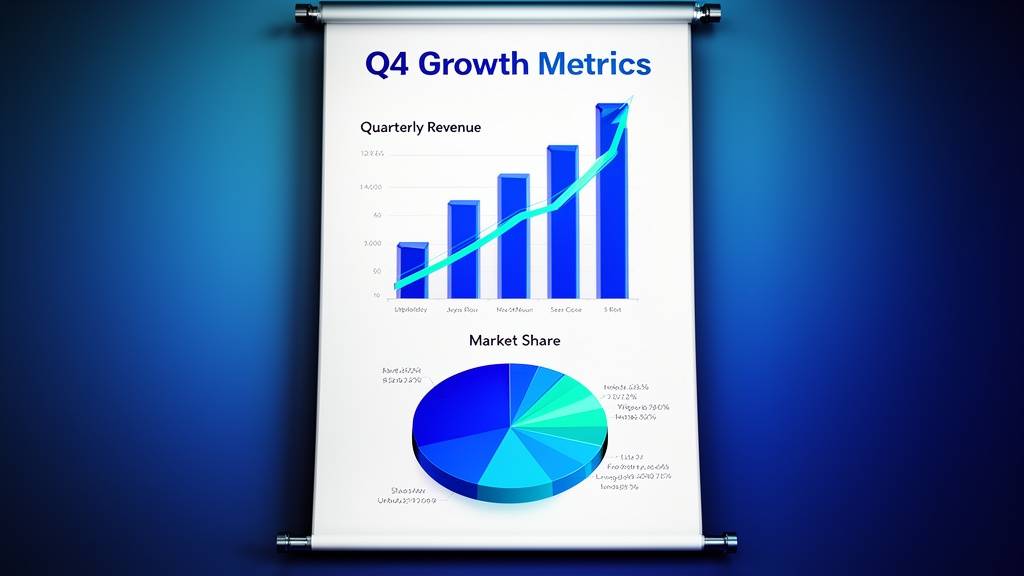
Infographic Capabilities
FLUX.2 can generate:
- Data visualizations with accurate charts
- Educational posters with readable text
- Process diagrams with labeled steps
- Comparison graphics with statistics
Example infographic prompt:
{
  "type": "business infographic",
  "title": "Q4 Growth Metrics",
  "charts": [
    {"type": "bar", "data_type": "quarterly revenue"},
    {"type": "pie", "data_type": "market share"}
  ],
  "colors": {
    "primary": "#6366F1",
    "secondary": "#06B6D4"
  },
  "text_style": "clean sans-serif",
  "layout": "vertical scroll",
  "aspect_ratio": "9:16"
}
Text Legibility Tips
For best text rendering results:
- Specify font style (serif, sans-serif, handwritten, display)
- Define text size relative to composition (headline, body, caption)
- Indicate text placement (centered, left-aligned, overlaid)
- Use contrast (light text on dark backgrounds or vice versa)
FLUX.2 Prompt Templates
Professional Portrait Template
{
  "subject": {
    "type": "professional headshot",
    "person": "[demographic and appearance]",
    "expression": "[neutral/confident/approachable]",
    "attire": "[business casual/formal]"
  },
  "camera": {
    "lens": "85mm",
    "aperture": "f/1.8",
    "angle": "slight low angle"
  },
  "lighting": {
    "key": "soft box, camera right",
    "fill": "reflector, camera left",
    "rim": "subtle hair light"
  },
  "background": "neutral gray gradient",
  "style": "corporate photography",
  "aspect_ratio": "4:5"
}

Product Photography Template
{
  "subject": {
    "product": "[product description with materials]",
    "hero_angle": "[front/45-degree/top-down]",
    "detail_focus": "[key feature to emphasize]"
  },
  "surface": "[material and color with HEX]",
  "lighting": {
    "style": "[dramatic/soft/natural]",
    "direction": "[side/top/back]"
  },
  "background": {
    "type": "[seamless/gradient/contextual]",
    "color": "[HEX code]"
  },
  "reflections": "[subtle/prominent/none]",
  "style": "commercial product photography",
  "aspect_ratio": "1:1"
}
Scene Composition Template
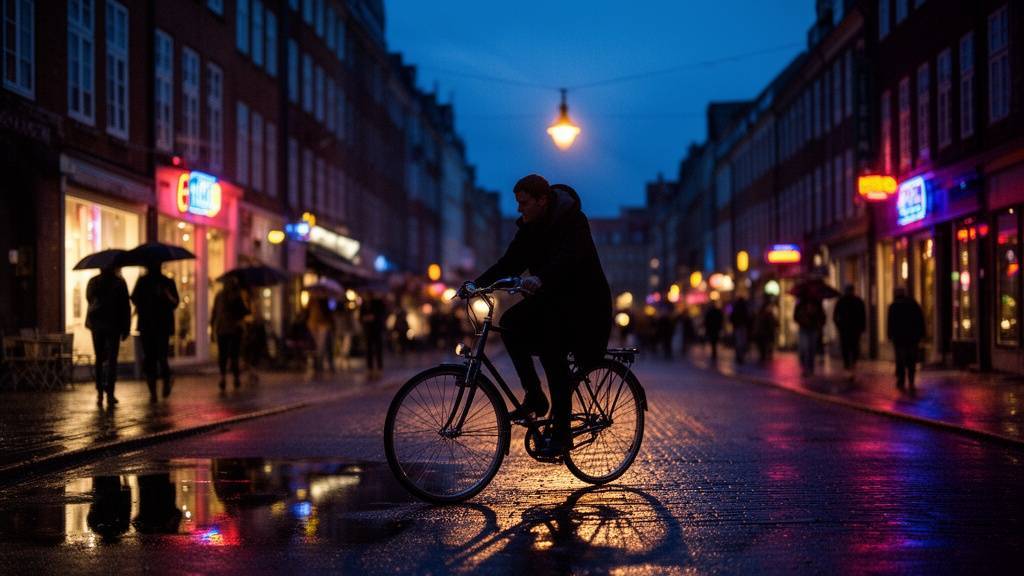
{
  "scene": {
    "location": "[specific setting description]",
    "time": "[time of day]",
    "atmosphere": "[mood descriptors]"
  },
  "elements": [
    {"item": "[foreground element]", "position": "foreground left"},
    {"item": "[main subject]", "position": "middle ground center"},
    {"item": "[background element]", "position": "background"}
  ],
  "camera": {
    "lens": "35mm",
    "depth_of_field": "selective focus on main subject"
  },
  "color_palette": {
    "dominant": "[HEX]",
    "accent": "[HEX]",
    "mood": "[warm/cool/neutral]"
  },
  "style": "cinematic photography",
  "aspect_ratio": "16:9"
}
Social Media Template
{
  "format": "[Instagram post/Story/LinkedIn]",
  "visual_concept": "[description]",
  "brand_colors": {
    "primary": "[HEX]",
    "secondary": "[HEX]"
  },
  "text_overlay": {
    "headline": "[text in quotes]",
    "position": "[top/center/bottom]",
    "style": "[bold/minimal/playful]"
  },
  "style": "social media optimized",
  "contrast": "high for mobile viewing",
  "aspect_ratio": "[1:1/4:5/9:16]"
}
FLUX.2 vs Other Models
| Feature | FLUX.2 | Traditional Models |
|---|---|---|
| JSON Prompting | Native support | Text only |
| HEX Color Control | Exact specification | Interpreted from text |
| Physics Accuracy | Superior | Variable |
| Text Rendering | Legible, multi-language | Often garbled |
| Brand Consistency | Precise via HEX | Requires iteration |
| Structured Output | Predictable | Varies by prompt |
Common Mistakes to Avoid
JSON/Natural Language Mixing
Color Format Errors
Overcomplicated Structure
Missing Aspect Ratios
Vague Text Specifications
Frequently Asked Questions
When should I use JSON prompting vs natural language?
Use JSON prompting when you need precise control - brand assets, product photography, consistent series. Use natural language for quick explorations or when you want the model to make creative decisions.
How accurate is HEX color matching?
FLUX.2 matches specified HEX codes with high accuracy. For critical brand applications, generate test images and verify colors match your style guide.
Can FLUX.2 generate charts with real data?
FLUX.2 generates chart-like visuals, but the specific values may not match real data precisely. For actual data visualization, generate the chart structure and add accurate data in post-production.
What languages work best for text rendering?
Latin scripts render most reliably. Asian scripts (Korean, Japanese, Chinese) work well for shorter text. Complex scripts may require iteration for optimal legibility.
How does FLUX.2 handle complex scenes with multiple subjects?
FLUX.2's physics understanding helps maintain realistic interactions between subjects. Use JSON to specify exact positions and relationships between elements for best results.
Can I combine FLUX.2 with other AI tools?
Yes. Many workflows use FLUX.2 for initial generation, then refine with editing tools. The high-resolution output provides excellent source material for further processing.
Key Takeaways
- 1 FLUX.2's JSON structured prompting provides granular control over every aspect of image generation - camera, lighting, style, and mood
- 2 HEX color control enables exact brand color specification, eliminating iteration cycles for color matching
- 3 Superior physics understanding produces realistic light, gravity, and material interactions
- 4 Multi-language support includes non-Latin scripts for international marketing materials
- 5 Text and infographic generation capabilities enable complex layouts with legible typography
- 6 Template-based approaches accelerate production while maintaining consistency across campaigns
More Posts

Ready to start automating?
Join hundreds businesses growing with Renderfire